







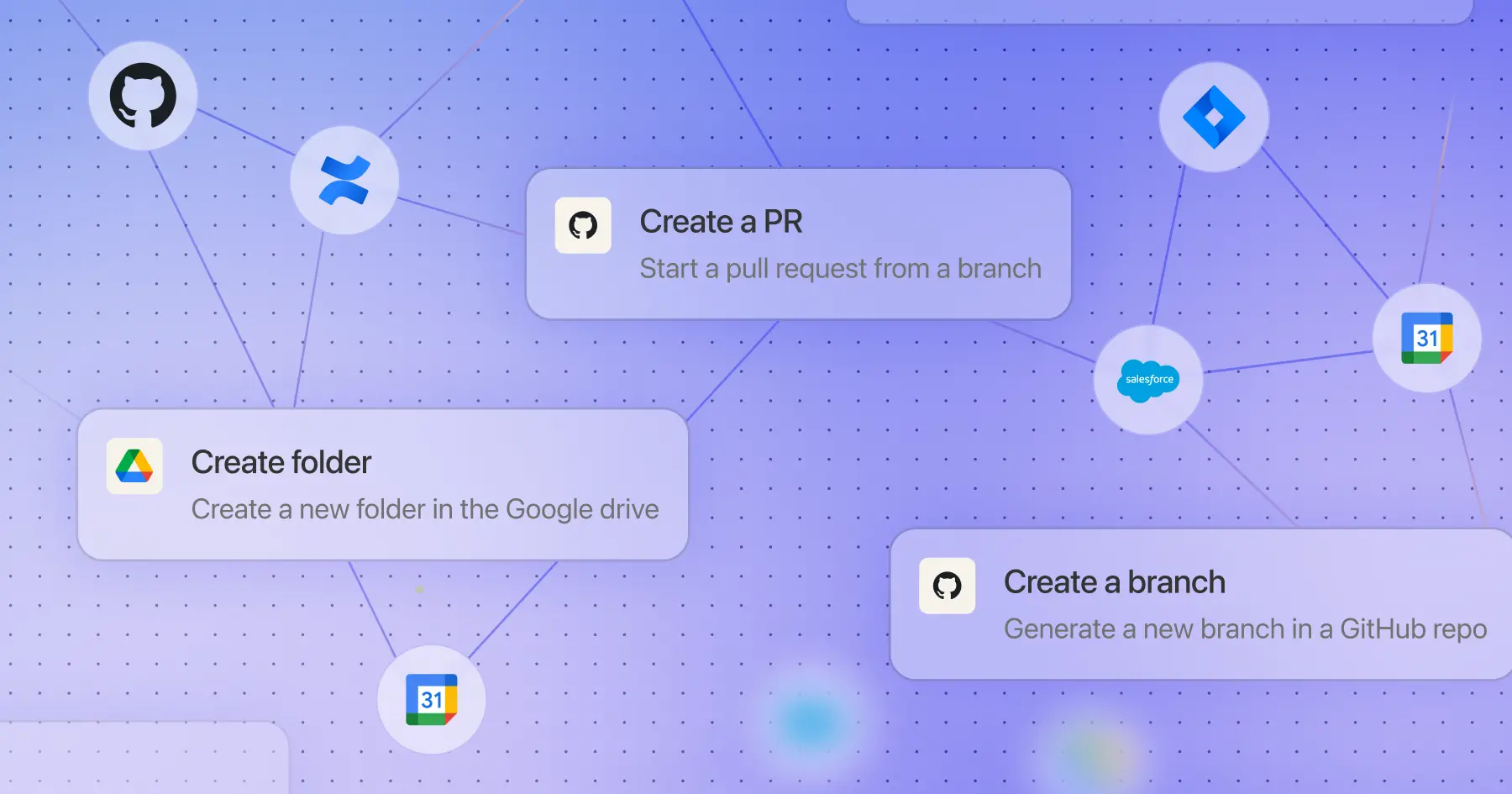
We’ve seen our customers create some incredible agents that’ve transformed business processes and enabled anyone across an organization to tackle work with AI. Today, we’re enabling our users to take these agents even further by releasing a suite of more than 85 new actions. These actions include functionalities across key applications, capable of updating tickets, moving deals forward, keeping documentation in sync, and scheduling follow-ups—all while respecting your company’s permissions and security model.
Importantly, these new actions span the tools where work actually gets done. Here’s a quick look at how some of these might work in your everyday workflows:
- Salesforce actions enable agents to create and update opportunities, search using natural language that converts to SOQL, and keep deal information current without leaving the conversation.
- Jira actions can create tickets, add comments, and search using JQL—or create service requests directly in Jira Service Management.
- GitHub actions can review pull requests and access repository contents, enabling automated code review summaries and documentation updates in the same workflow.
- Confluence actions let agents create pages, update documentation, and search across spaces—so an agent can create a postmortem page after an incident and link it to the relevant tickets automatically.
- Google Calendar actions let teams find available meeting slots and create events, so teams can coordinate schedules without the back-and-forth. All actions run within your existing security parameters—if you can’t modify a record manually, neither can your agent.
Here’s how this works in practice. Imagine a support engineer dealing with an escalated issue. They ask an agent to investigate, and here’s what happens:
- Locate and analyze the ticket. The agent finds the Jira escalation and pulls in background context from the codebase to understand how the issue was resolved.
- Update Jira with structured information. It drafts a root cause summary, resolution details, fix status, and improvement recommendations. The engineer reviews the proposed changes and updates the ticket with one click.
- Document the solution. The agent follows the link from the ticket to the incident runbook in Confluence. Using the “create Confluence page” action, it adds guidance on how to resolve this issue for future reference.
Both the ticket and the documentation stay in sync. The engineer verifies the work before it’s committed, but the agent handles the mechanical steps.
Actions are available now in the Admin Console under Platform > Actions. Admins can enable specific action packs and configure permissions for their organization.
To learn more about how actions work and explore the full catalog of available actions, visit our Actions documentation. If you want to learn more about how Glean can help your organization do its best work with agents, reach out to our team for a demo and check out our February drop page for our latest feature releases.
