








AGENT ORCHESTRATION
AI agents, working together.
Glean’s orchestration layer connects every agent and workflow — triggering agents and routing tasks across your ecosystem.
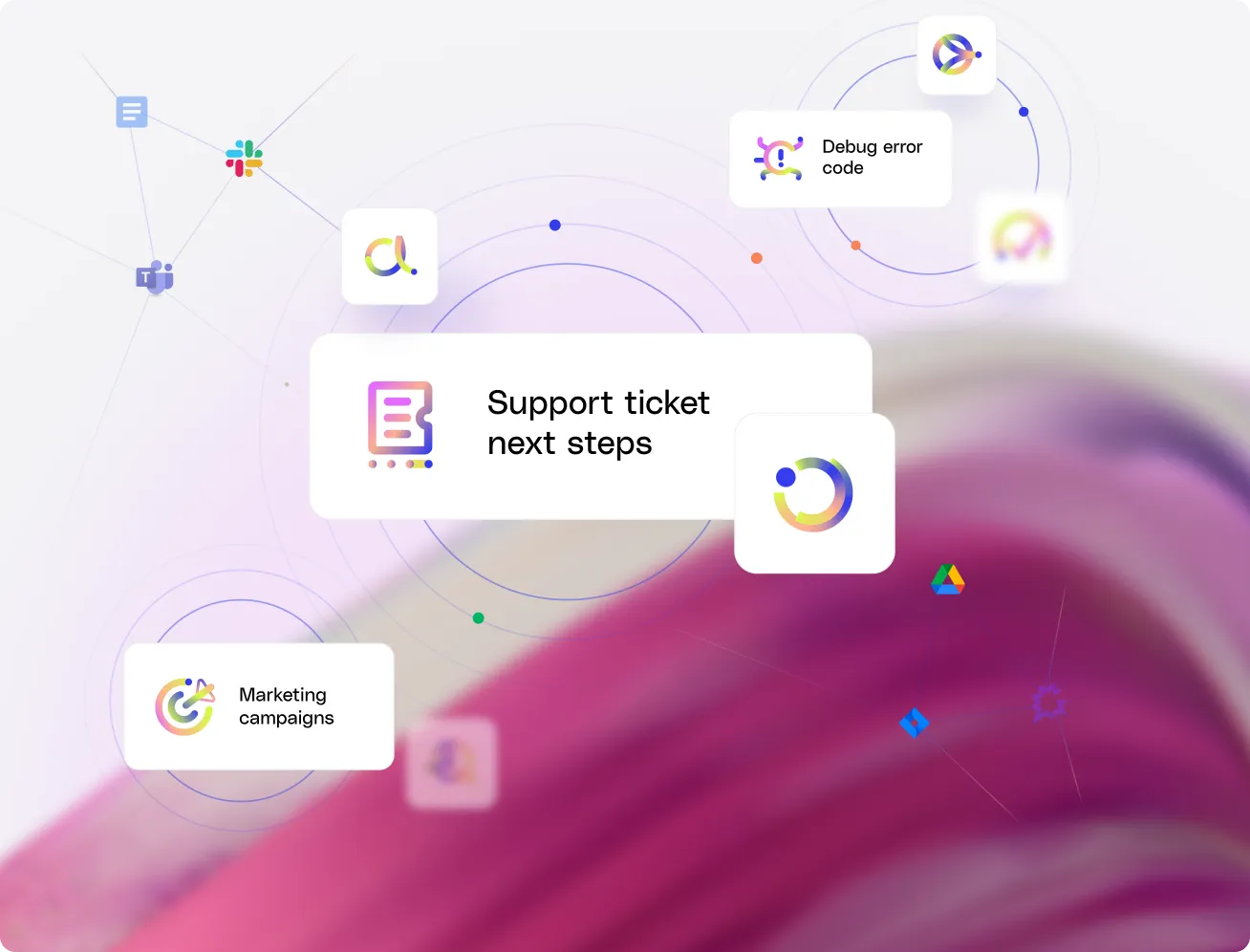
Keep every agent in sync.

More time for what matters
Glean enables agents to act on your behalf so you can stay focused on high-value work.

You’re always in control
Glean lets you define how agents work and when they act, giving you full visibility into every step so workflows run exactly the way you want.

Coordinate across platforms
Glean agents can work with other agents to gather data and take action across your connected systems.

Make better decisions with full context
Get proactive answers, recommendations, and next steps grounded in your company’s full context, so every decision starts with the right information.
Make better decisions with full context
Get proactive answers, recommendations, and next steps grounded in your company’s full context, so every decision starts with the right information.

AI agent orchestration · Multi-agent orchestration
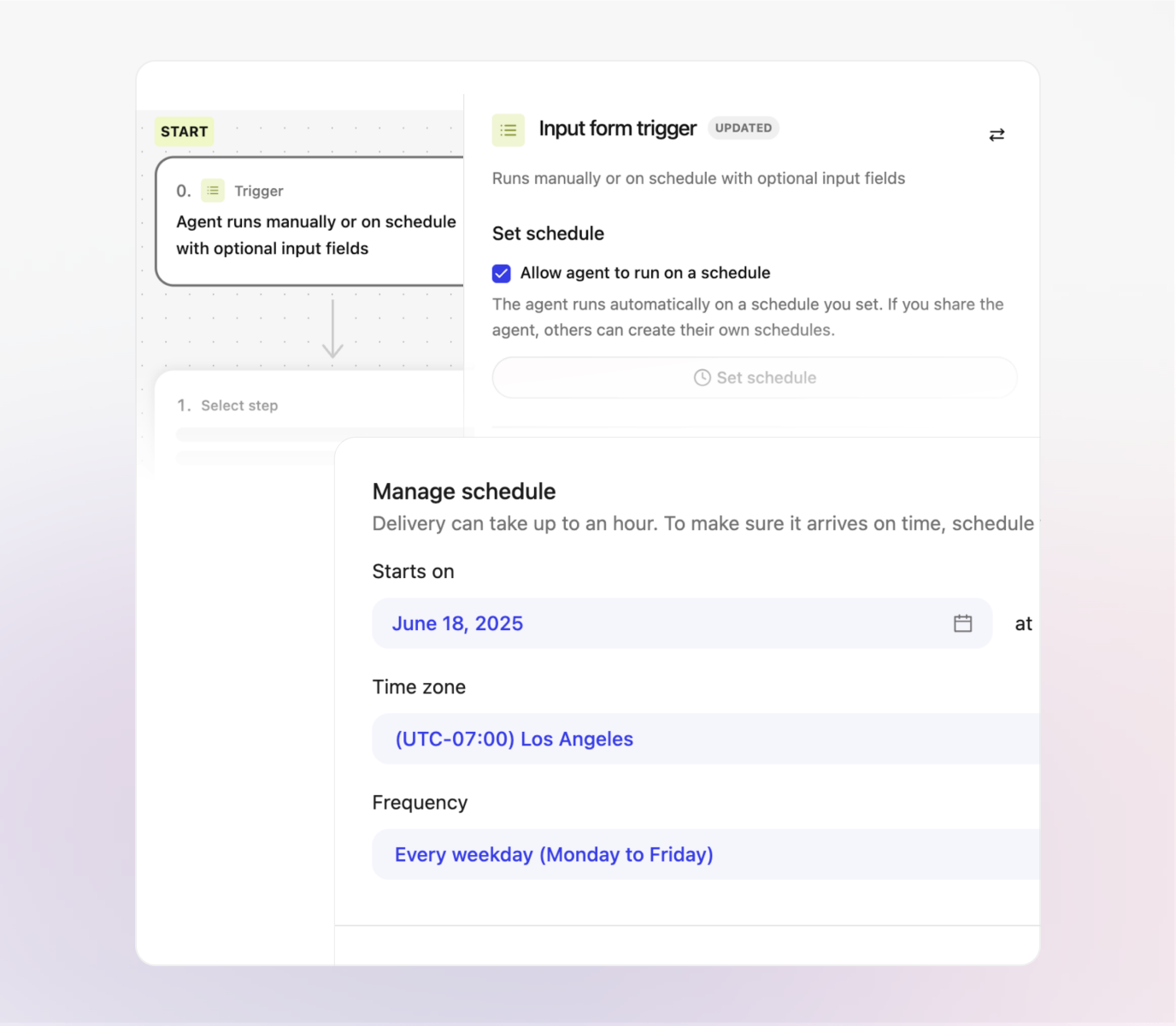
Trigger work on schedule.
With time-based triggers, agents can run automatically, handling repeatable tasks in the background while you stay focused on high-value work.
AI agent orchestration · Automated workflows
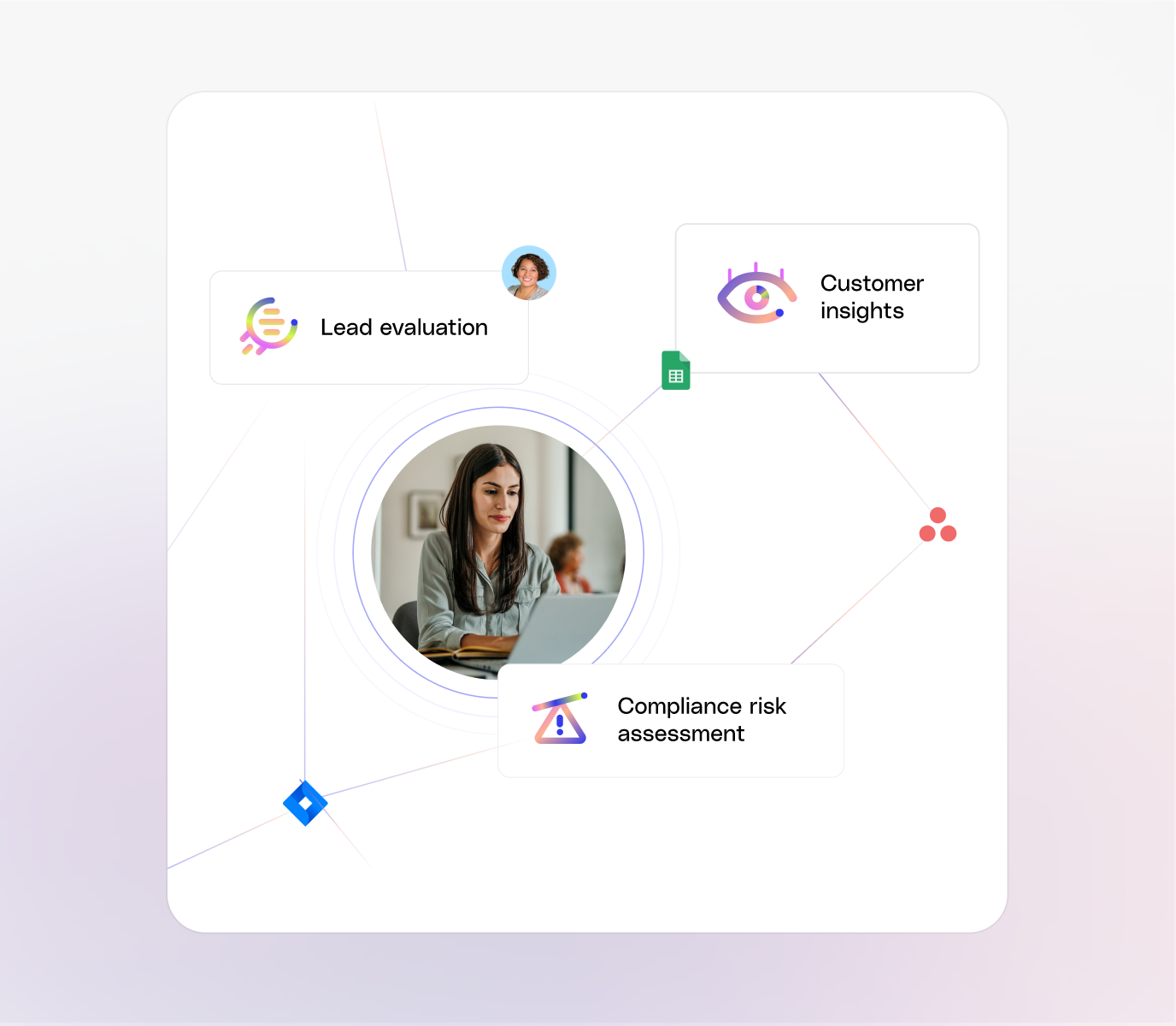
Route questions to expert agents.
Glean Assistant directs each question to the right specialist agent, so you always get precise, trusted answers without needing to know which agent to ask.
AI agent orchestration · Multi-step workflows
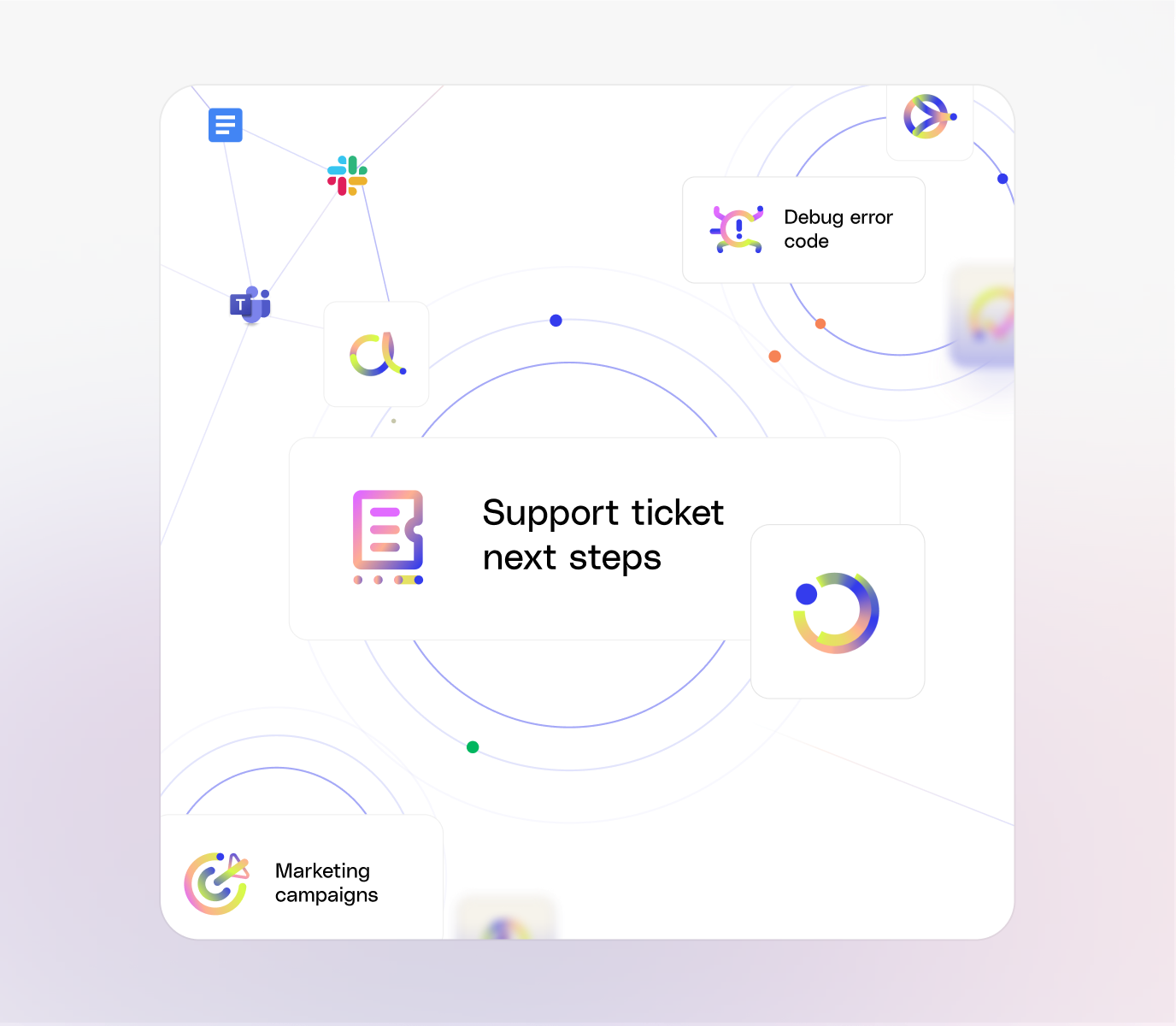
Coordinate multi-agent workflows.
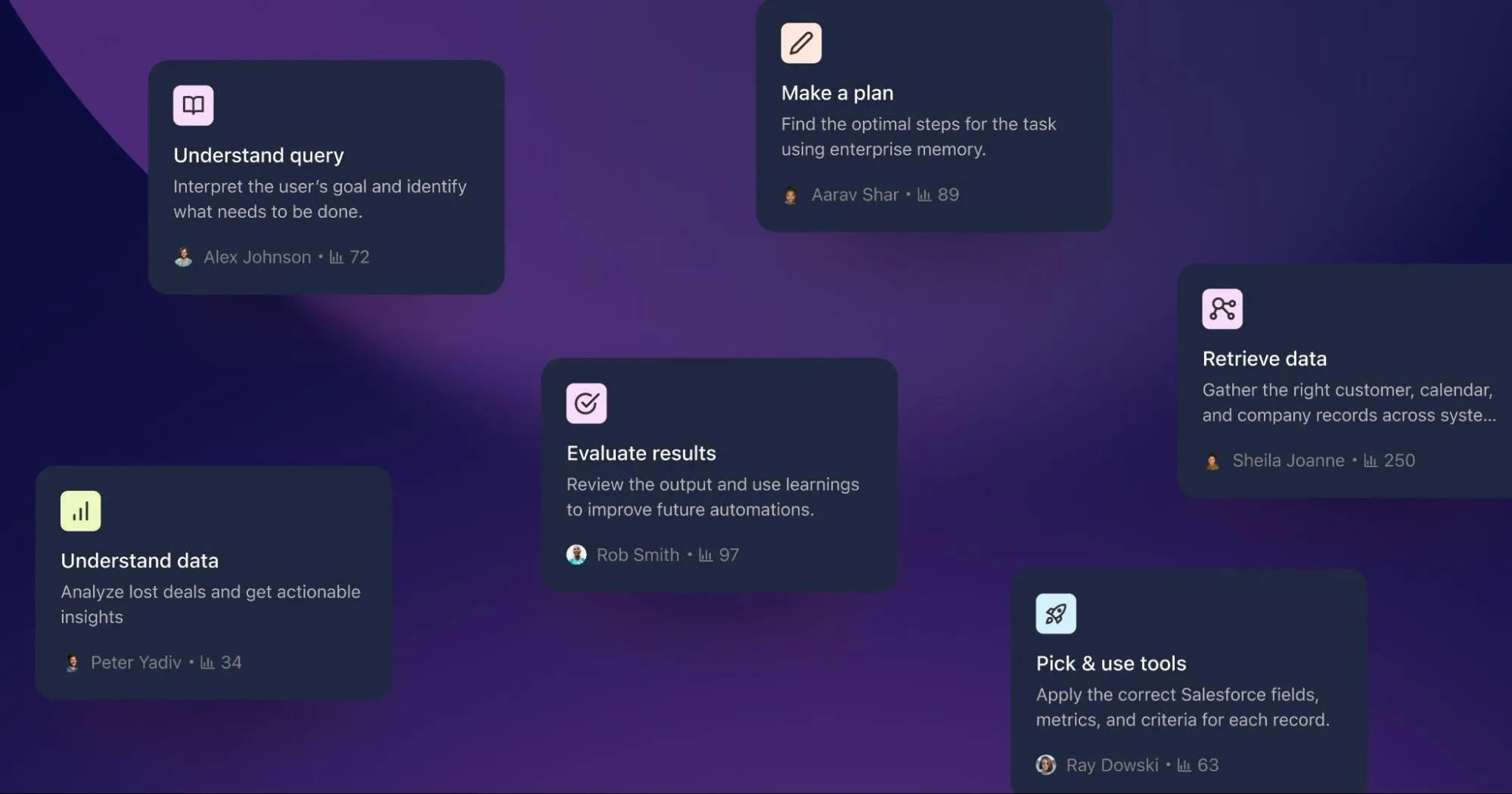
Orchestration connects specialized agents to complete multi-step tasks, activating each one at the right time and sharing context seamlessly along the way.


How agent orchestration works
01
Trigger
Run agents on a schedule. Users can turn on eligible agents and set the times they run.
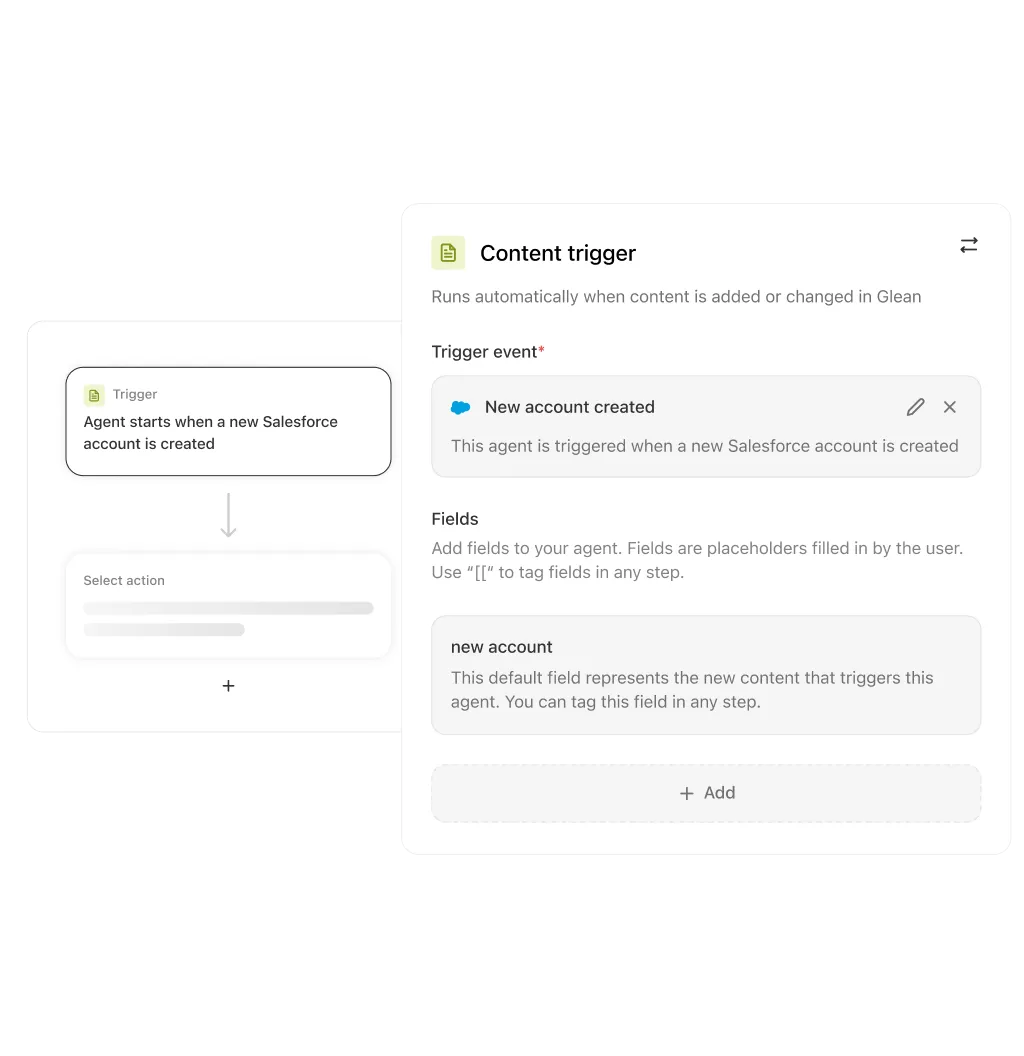
02
Route
Define routing rules in the builder so Glean Assistant sends requests to the right specialist agents.
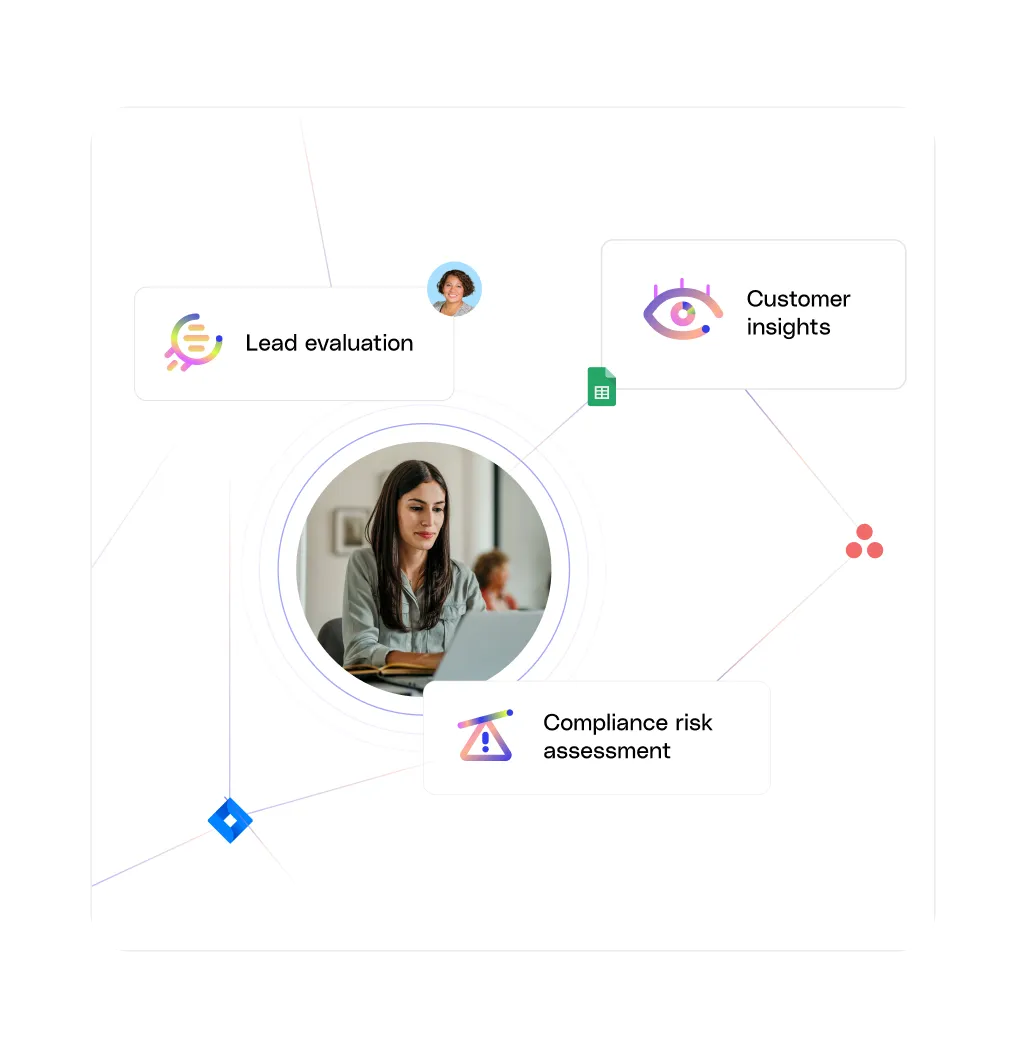
03
Integrate
Launch agents directly inside tools like Slack or ServiceNow, so employees get help without switching context.
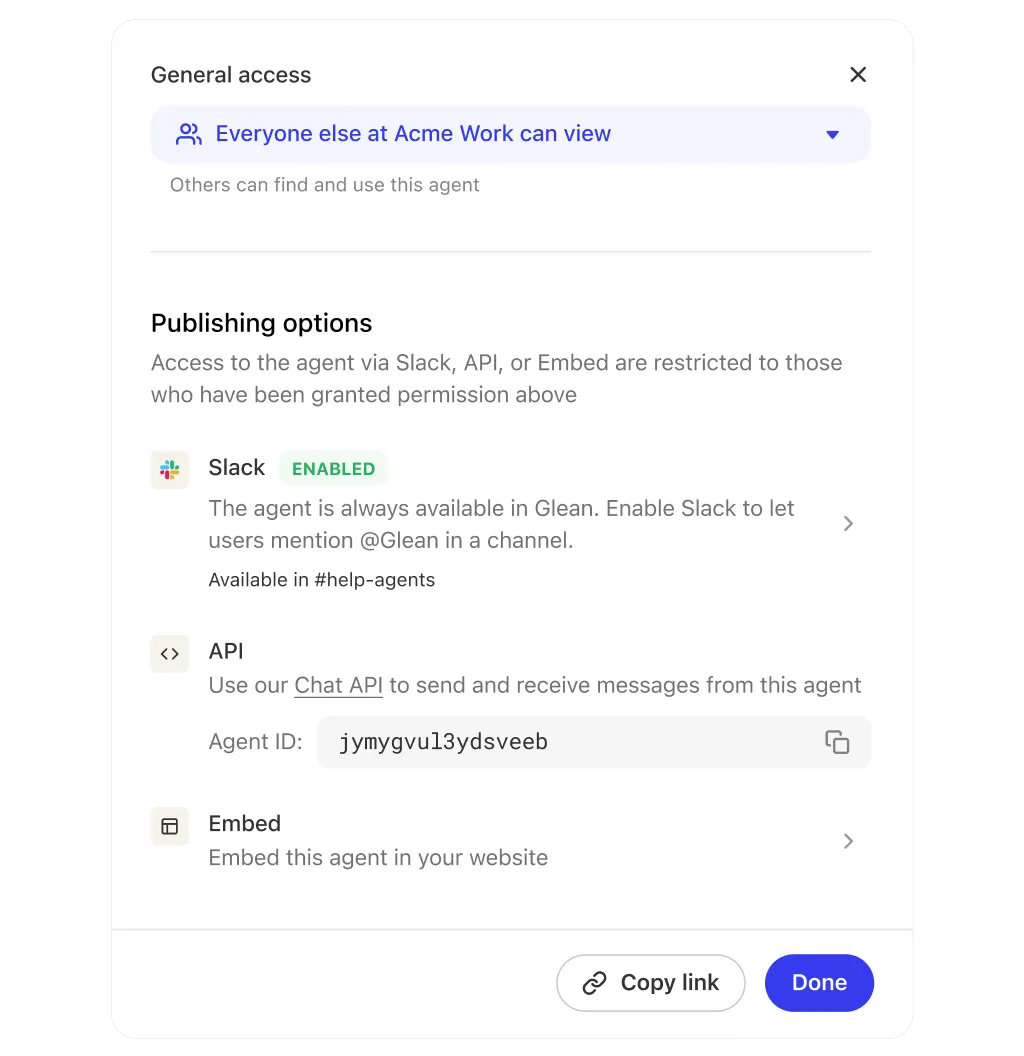
04
Coordinate
Connect specialized agents across platforms so they can coordinate complex workflows without manual handoffs.
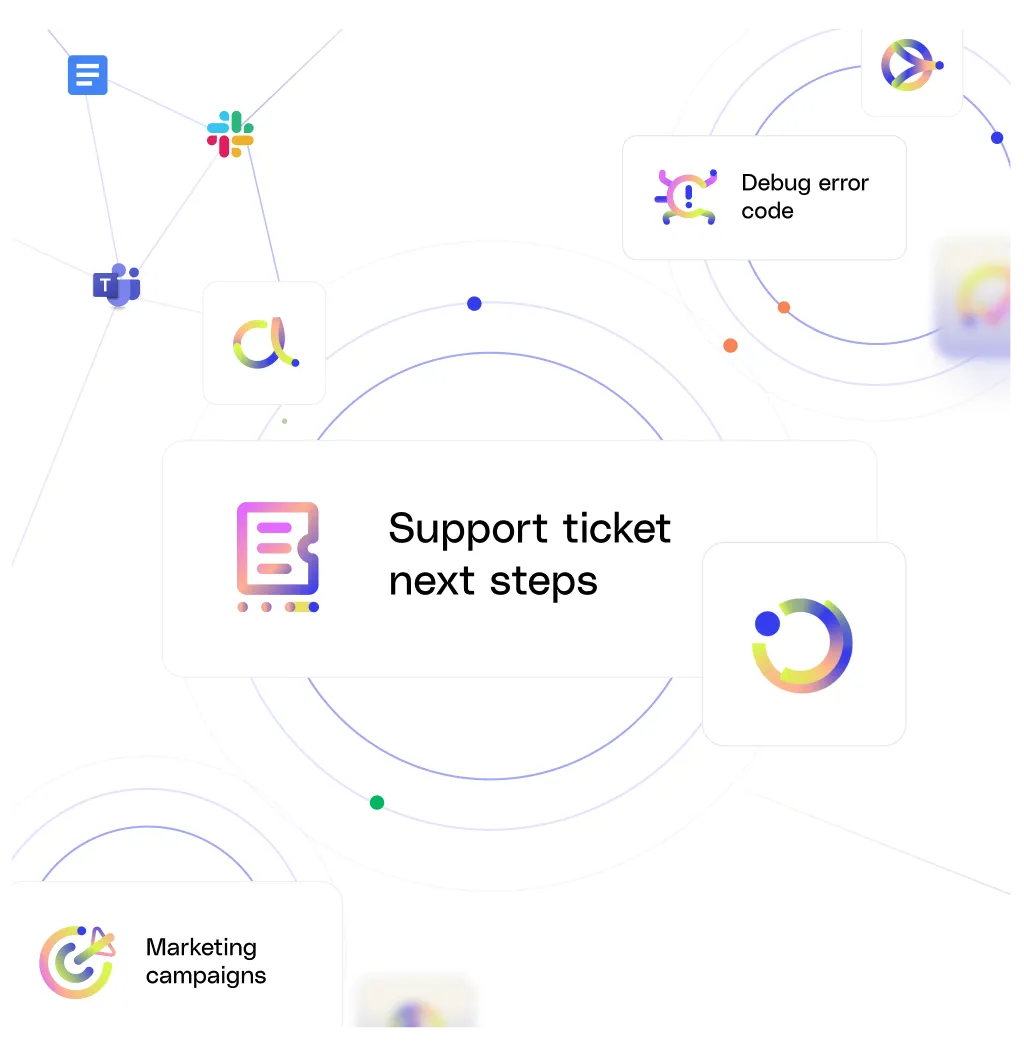
05
Refine
Improve workflows over time by adjusting routing rules and trigger settings as your needs change.




















































FAQs
What is AI agent orchestration in Glean?
Glean Agent Orchestration connects agents and workflows so tasks can be routed, triggered, and coordinated across systems.
How does Glean trigger agent workflows?
Glean supports time-based triggers, so eligible agents can run on a schedule and handle repeatable work automatically.
How does Glean route work to the right agent?
Routing rules in the builder let Glean Assistant send requests to the right specialist agents for more precise answers and execution.
Can Glean coordinate multiple agents in one workflow?
Yes. Orchestration connects specialized agents and activates each one at the right time, so they can complete multi-step work together.
Can Glean run orchestrated agent experiences inside other tools?
Yes. Agents can launch directly in tools such as Slack or ServiceNow, so employees can get help without switching context.
How do teams improve orchestrated workflows over time?
Teams can refine routing rules and trigger settings as needs change, keeping workflows aligned with real work.