








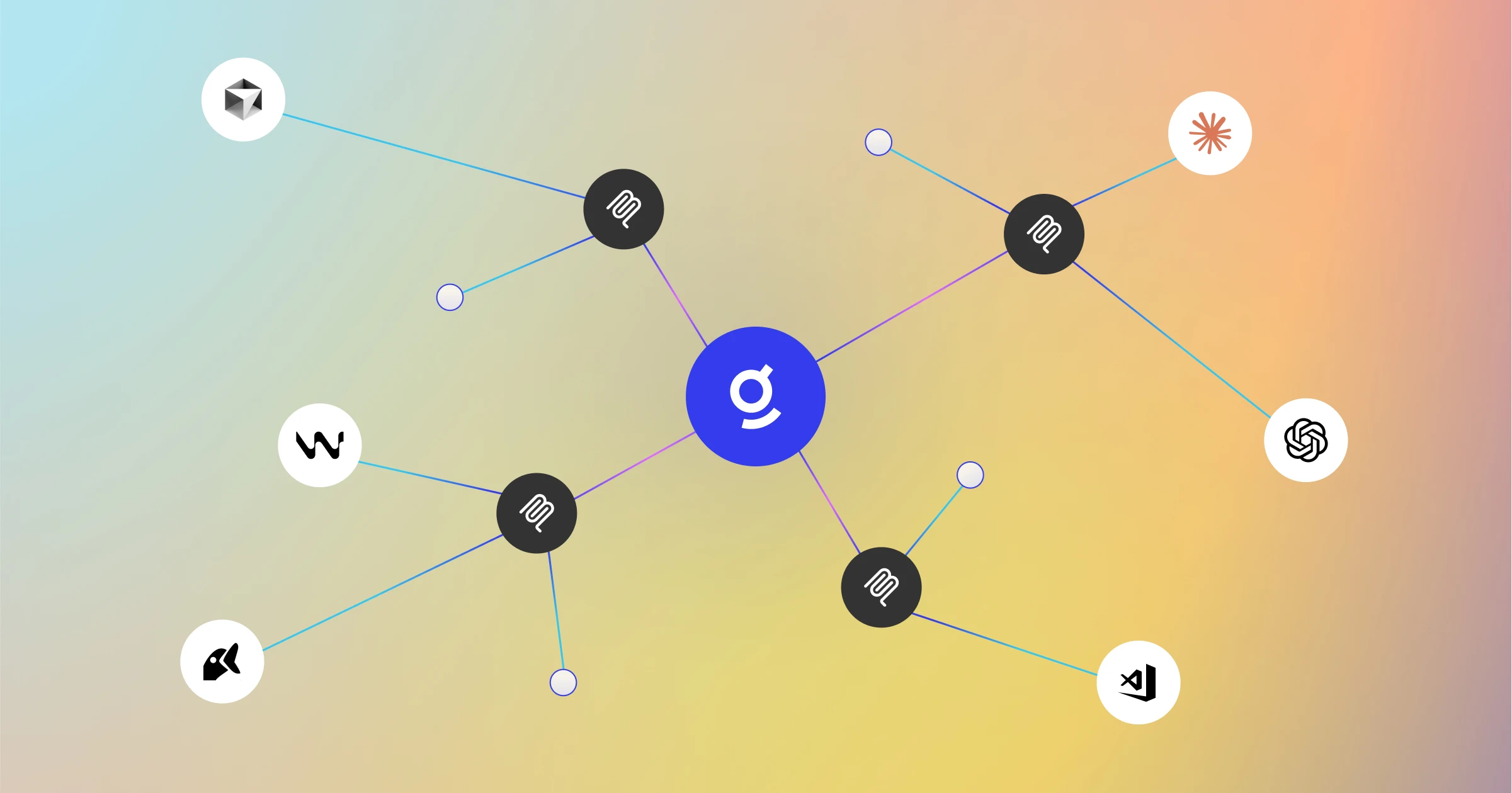
Model Context Protocol (MCP) is built on a simple idea: connect your tools to AI. By putting the tools you need right where work happens, MCP effectively removes the need for context-switching—it’s the USB-C of AI, tackling part of the silo problem by providing the connection point.
However, finding the right context to code, fix bugs, write docs, and more is a separate challenge that is unsolved by MCP. SaaS silos mean users only see fragments of the picture, missing the cross-system context of how work actually gets done.
Here at Glean, we build indexes and knowledge graphs from 100+ data sources to bring together that context, so you have what you need to solve the task. Today, we’re sharing some creative ways engineers are using Glean’s remote MCP servers to ground AI and agents in all the context that matters—regardless of where they’re built. What’s possible with MCP depends on how you choose to use it, and we’d like to share ideas to get you started.
Terminal debugger
Glean can help fix errors using stack trace analysis. MCP can call Glean to parse the stack trace and identify key error messages, pinpoint the source file and line, and cross-reference this information with the codebase, similar past errors (from Slack threads, Jira tickets, or prior PRs), and relevant documentation.
If Glean can fix the issue, you can prompt it to flag any stale documentation with an applicable fix, helping break the cycle of recurring errors in that part of the codebase. If the issue can’t be solved, perhaps due to missing knowledge, Glean can recommend an expert or Slack channel to ping. Glean’s knowledge graph captures not just content, but also people, processes, and relationships, and in this case, expertise within the organization.
CI/CD pipeline debugger
The CI/CD pipeline debugger agent leverages a Glean MCP server to bring in context from GitHub, Jira, Confluence, Slack, and more to explain CI/CD failures that aren’t visible in the pipeline alone. We built a Google ADK agent that uses Glean search and a custom GitHub log fetching tool, then connected it to Cursor via MCP so engineers can debug CI/CD pipeline failures directly from their IDE.
While MCP is one option for agent interoperability, Glean also supports the agent toolkit (also used in this example) and LangChain integrations.
Documentation writer
Engineers can use Glean to draft playbooks and documentation. Glean Search brings design docs, PRDs, and formatting examples along with knowledge of the codebase to generate documentation. With an expansive MCP ecosystem, users can publish directly to doc sites, like Confluence via the Atlassian MCP server, closing the loop from creation to publication.
Open and secure, with control built in
MCP makes it easy to bring Glean to where you work, whether that’s in your IDE or in chat interfaces like Claude Desktop and ChatGPT. Glean is committed to openness and agent interoperability, so employees can build and use AI tools wherever and however they choose. This approach puts AI directly into everyday workflows. It also avoids lock-in to a single platform, which is especially important during this period of rapid AI innovation.
Openness doesn’t have to come at the expense of control or security. With remote MCP servers, enterprises can centrally manage which tools are exposed via MCP. Creating and sharing MCP servers is straightforward: toggle on tools you want to enable. No need to manually configure server infrastructure, manage firewalls and networking, scale servers, and more- that’s all baked into Glean remote MCP servers.
Glean Protect, our comprehensive, multi-layer security suite for data, AI, and agents, carries over to MCP servers: data remains permission-enforced and all actions are authorized. With centralized OAuth for MCP, employees can connect to company-approved MCP servers with a simple command in the MCP host.
Agent interoperability should be a safe and easy process. If you’re looking to get started, explore our quick install for remote MCP servers and check out our September Drop page for more details on other exciting Glean features coming your way this week!
Please note: Remote MCP servers are currently available in public beta.
