







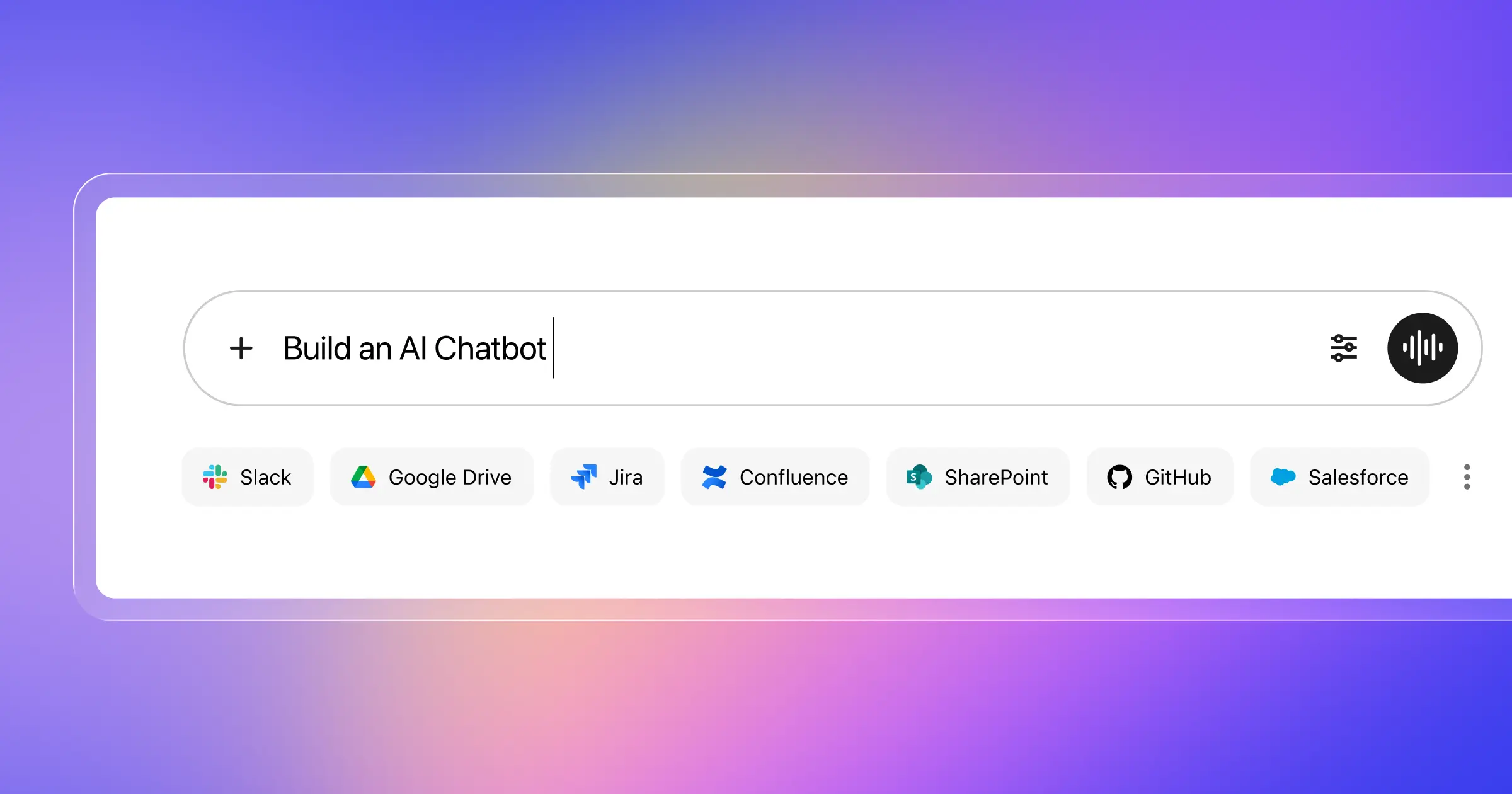
Enterprise AI chatbots almost always hit the same wall early on. Generic questions work fine. Then a question arrives that depends on last week’s ticket, a Slack thread from three months ago, and a policy doc no one can find — and it falls apart. The model isn’t the problem. The knowledge foundation underneath it is.
A real enterprise AI chatbot has to answer with trusted company knowledge, respect permissions, work across systems, and fit into the workflows your teams already use. If it can’t do those things, people will try it once, hit a bad answer or a permissions error, and move on. That loss of trust rarely reverses.
Conversely, when the foundation is right, enterprise chatbots don’t stay chatbots for long. They become assistants and, eventually, agents: systems that retrieve live context, reason over company context and across tools, and help people take action. This guide covers how to build toward that outcome with Glean, and what to get right before rollout.
Why enterprise teams need more than a basic AI chatbot
Consumer-style bots are built for broad questions, but enterprise teams aren’t asking broad questions. They’re asking things like: What changed in this account last week? What’s the history behind this ticket? Which policy applies here? Can you draft a reply based on our internal guidance — and update the system once it’s resolved?
Answering those questions depends on organizational context scattered across docs, chats, tickets, CRM records, drive folders, and knowledge bases. A generic chatbot can’t see that context. And even if you wire a few sources into a simple RAG stack, you still have to solve for permissions, freshness, workflow integration, and evaluation.
Generic chatbots aren’t designed for any of this. They can’t ground answers in your internal context, enforce your existing access controls, or support work that crosses system boundaries.
What makes an enterprise AI chatbot actually useful
Before you think about tooling, it helps to pin down the essential requirements.
Trusted retrieval
Your chatbot’s answers should come from the systems your teams already use, not from what the model was trained on. This is the core promise of an enterprise RAG chatbot — retrieval-augmented generation that pulls from your actual company systems at query time, ranks results well, and shows citations so users can verify what they’re seeing. A RAG-based approach grounds answers in current, traceable internal knowledge, which makes citations possible and helps reduce hallucinations.
Permission awareness
This is non-negotiable. Users should only see what they already have access to in the source systems. A chatbot that routes around existing permissions creates a security vulnerability the moment it goes live. Often, it doesn’t even survive the IT review. Permissions need to be enforced at retrieval time, not patched in later. That’s what makes the difference between a functional prototype and a secure enterprise chatbot.
Multi-tool context
Most enterprise workflows touch more than one system. A support rep may need ticket history, internal product docs, and Slack context. A salesperson may need CRM records, meeting notes, and recent product updates. An internal help desk bot may need policies, forms, and service tickets. The best enterprise chatbot doesn’t sit inside one app — it sits across the systems where work already takes place.
Actions, not just answers
The step from “chatbot” to “assistant” happens when the system can do more than respond. Drafting, summarizing, routing, triggering, updating — this is where most of the enterprise value shows up. It’s also where the evaluation requirements get more serious: an agent that takes wrong actions at scale is worse than one that simply gives wrong answers.
Escalation paths
Even well-built chatbots will encounter questions they shouldn’t answer alone — sensitive cases, edge scenarios, high-stakes decisions. An enterprise-ready chatbot knows when to route to a human, and does it cleanly. Teams that overlook this design step wind up discovering it as a trust problem after launch.
Evaluation before scale
A chatbot that looks sharp in a demo can still fall apart under real usage. Enterprise teams need a way to test groundedness, instruction-following, usefulness, permission correctness, and workflow completion before broad rollout. Most chatbot guides skip this. It’s one of the clearest ways to predict which pilots make it to production.
How Glean helps teams build enterprise chatbots
Glean gives teams a practical path to building an internal AI chatbot that goes beyond the usual “LLM plus UI” pattern. The foundation is Glean’s system of context — a continuously updated understanding of your organization’s people, teams, content, and activity, built as Glean connects to the tools your teams already use.
Rather than treating company data as isolated text, Glean builds a structured understanding of your organization: who owns what, which documents support which workflows, and what's actually relevant to each individual. That foundation is what makes search accurate, answers trustworthy, and permissions enforceable without rebuilding access controls.
This is also what distinguishes Glean from a generic enterprise RAG chatbot implementation. Unlike a basic document index, Glean retrieves from a structured understanding of your organization — with permissions, relationships, and usage signals built in.
On top of that foundation, Glean provides three interconnected ways to build:
- Glean APIs let developers build AI chatbots, agents, and integrations with full enterprise context. The Search API powers custom retrieval across company content, while the Chat API brings conversational AI into any enterprise app, effectively giving every team an AI assistant for company knowledge with conversation history and file context built in.
- Glean Agents give business and ops teams a no-code or low-code path for building assistants that reason across indexed enterprise knowledge and take action across systems.
- 100+ connectors reduce your integration burden by unifying enterprise knowledge in one shared layer, so your teams don’t rebuild the data plumbing for every new AI experience.
Glean’s system of context compounds in value over time. When knowledge is indexed once and served through a consistent retrieval layer, every subsequent AI experience — a new agent, a new team workflow, a new embedded assistant — is easier to add, govern, and keep consistent. You build the foundation once, and then you build on it.
Step 1: Start with a specific team workflow
The best enterprise chatbot projects don’t start with “we need a company chatbot.” They start with a specific problem to solve.
Support teams have some of the clearest starting points: summarize incoming tickets, surface similar past issues, draft responses for review, suggest knowledge base articles. Marketing teams can use chatbots to evaluate drafts against internal guidance or turn company context into campaign assets. Sales teams can prep for accounts, research prospects, and draft outreach. IT and internal help desks can handle policy questions, guide common requests, and route issues to the right teams.
The discipline is choosing one. A broad starting scope usually produces something vague, hard to evaluate, and harder to trust. A narrow starting scope gives you a clear signal: did it work? Then you expand.
Step 2: Get the knowledge layer right before you build
Enterprise chatbot performance depends on source quality — and this step is where more projects run into trouble than any other.
If the workflow lives in Zendesk, Confluence, Slack, Salesforce, and Google Drive, those are the systems that need to be in scope. A separately maintained knowledge base seems like a controlled starting point, but it typically becomes stale fast and creates a parallel maintenance burden your team will eventually abandon.
Glean connects to the tools where work already happens — 100+ app connectors, plus APIs for custom sources — and indexes that content in a way that preserves permissions, tracks freshness, and makes context available to search, chat, and agents from a single layer. The practical effect is that your chatbot starts from real, current enterprise knowledge rather than forcing your team to rebuild the data foundation from scratch.
Many teams discover this problem at the worst possible moment — when an agent is already in production and returning inconsistent answers. That's when leadership confidence stalls and projects get quietly shelved. Getting the knowledge foundation right before you build makes every AI experience built on top of it accurate, trustworthy, and defensible when it matters.
Step 3: Choose the right build path and define your action scope
Once the workflow and knowledge sources are clear, two decisions follow closely together: how you’ll build, and what actions you want the chatbot to take.
Build path
Glean offers two main paths, suited to different teams and timelines.
- The Chat API is the right choice for custom internal apps, portals, and embedded chat experiences where developers want full control over UI and workflow logic. It supports conversational history, file-enhanced context, and tight integration with existing application architecture.
- Glean Agents are the right choice for business and ops teams that need faster deployment, natural-language setup, and multi-step internal workflows without deep engineering involvement. Agents built in Glean’s visual Agent Builder can also be accessed programmatically through the Agents API, so they don’t create a ceiling later.
Action scope
While you’re choosing your build path, define how far you want the chatbot to go. Answering questions is one level. Drafting responses for review is the next. Taking direct action — creating tickets, updating records, triggering downstream workflows — is a third, and it comes with higher requirements for governance and testing. Starting at the level that matches your current readiness is more important than starting at the most ambitious level.
Step 4: Test before you scale
Many chatbot guides skip evaluation. The problems show up anyway — just after rollout instead of before.
If you want an enterprise chatbot that people trust, test it on real questions from real users, not hypothetical prompts or curated examples. Start with roughly 20 high-quality examples from subject matter experts, define a single north-star metric and break it into a few sub-metrics, and use binary scoring rather than fuzzy five-point scales.
For enterprise chatbots, the dimensions that matter most are:
- Groundedness: Is the answer based on real company data, with traceable sources?
- Instruction following: Did the bot do what the workflow requires?
- Response usefulness: Would a user actually act on this output?
- Permission correctness: Did the system respect access controls throughout?
- Workflow completion: Did the task move forward, or did it just generate text?
These tests will separate a promising pilot from something teams will rely on, and they’re also the best way to surface escalation gaps before they become trust problems.
Step 5: Roll out by team, then expand
Start with one team and one workflow. Measure impact on the metric that matters for that use case — time saved, resolution time, search reduction, escalation rate, response quality, or onboarding speed.
For support teams, this often looks like piloting ticket summarization and suggested next steps against a defined bottleneck, then measuring reduction in handle time or escalations before expanding. The same logic applies to internal help desks, sales enablement, and ops workflows. Start at the sharpest pain point, and prove the value is real. Then expand from a position of trust rather than hope.
One pattern worth planning for early: as you add AI experiences across teams, the temptation is to stand up separate data connections and retrieval pipelines for each one. That doesn’t scale. A shared knowledge layer — indexed once, governed centrally, served consistently — is what makes the second and third AI experience dramatically faster to build and easier to trust than the first.
Common mistakes teams make when building enterprise chatbots
A few patterns show up consistently in failed or stalled chatbot projects:
- Starting with a vague brief: "We need a company chatbot" is not a use case. Without a specific workflow and a clear success metric, you can’t evaluate the result or improve it.
- Ignoring permissions until it’s a problem: Security concerns don’t get easier after launch. Access control needs to be designed in, not patched in, and it needs to be enforced at retrieval time, not at the UI layer.
- Treating prompts as a substitute for retrieval: Better wording doesn’t replace live, grounded company context. A well-prompted chatbot on stale or incomplete data is still a chatbot on stale or incomplete data.
- Skipping escalation design: A chatbot that can’t gracefully hand off to a human creates friction at exactly the moments when the stakes are highest. Escalation paths should be explicit, not an afterthought.
- Skipping evaluation: If you don’t test groundedness, permission correctness, and workflow completion before rollout, you’ll discover the gaps through user trust erosion, which is much slower to repair than the evaluation would have taken.
- Launching too broadly: One validated workflow is worth more than a sprawling chatbot no one fully trusts.
Build an enterprise chatbot your teams will actually use
The strongest enterprise chatbots aren’t defined by the quality of the chat interface. They succeed because they’re grounded in live company knowledge, embedded in real workflows, permission-aware by default, and built on a foundation that can grow into action-taking agents over time.
When your knowledge layer is solid, your permissions are enforced, and your retrieval is trustworthy, every AI experience you build on top of it inherits those properties. When it isn’t, every experience you build carries the same fragility.
Glean is designed to be that foundation — with permission-aware APIs, enterprise retrieval, conversational interfaces, no-code agent building, and connectors to the systems where your teams already work.
To go deeper, explore Glean APIs, Glean Agents, AI agents in the enterprise, How to build agents that actually work, and 4 ways to use AI agents to transform customer service workflows.
Start your evaluation
Ready to build an AI chatbot with Glean? See how Glean’s Work AI platform connects your company’s knowledge and puts it to work. Get a demo.
