










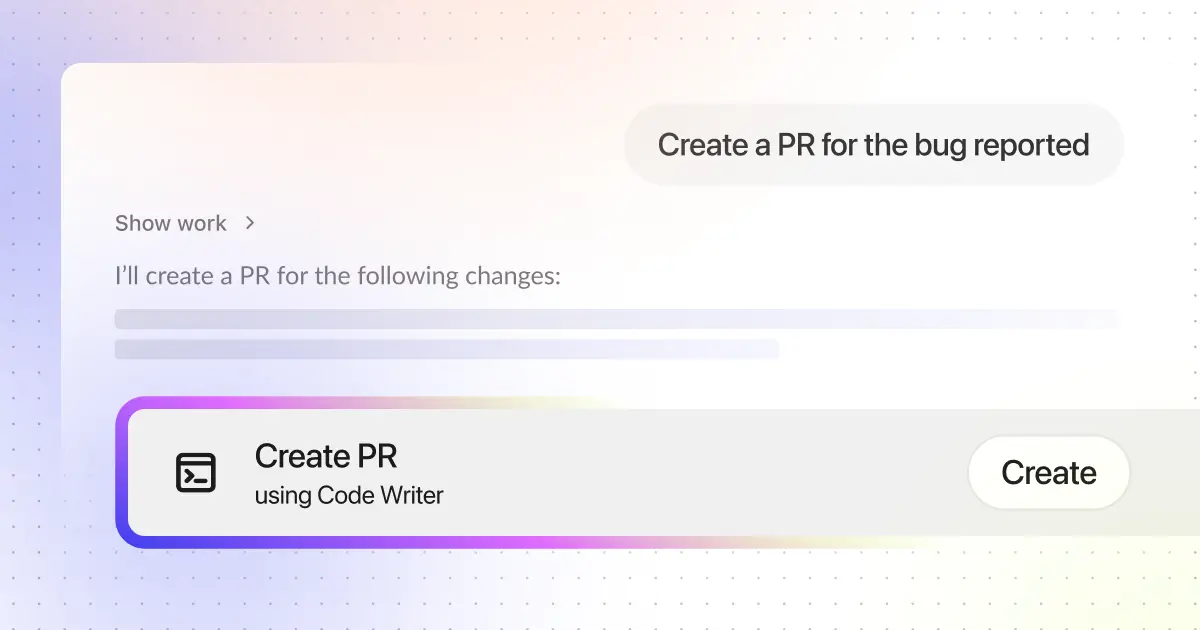
Engineering teams operate in environments defined by complexity, high stakes, and constant pressure to move quickly without compromising quality. To navigate these challenges, they must collaborate across code, documentation, conversations, and tickets—never working in isolation. Yet when debugging a production issue or understanding a complex system, engineers are forced to search these silos separately, losing critical context that connects them. Momentum inevitably slips when developers have to:
- Search across repositories to locate relevant patterns, configs, or historical fixes
- Re-create boilerplate, tests, or refactors that already exist elsewhere
- Respond to PR comments that require careful but mechanical edits
- Piece together context scattered across Jira, Slack, design documents and change lists
- Spin up local environments for small changes that could follow established templates and guardrails
These tasks matter, but they siphon time and energy from engineering teams. For most teams, this manifests as extra steps, work friction, and slower cycle times. Thankfully, this high-frequency work—debugging, small fixes, refactors, and reviews— is where targeted AI support, grounded in real context and fitting naturally into existing workflows, shines most.
Actions built into the workflow
Glean’s new code search and code writer keep engineers in the flow by helping resolve issues so they can focus on what matters most.
Glean strengthens engineering teams with code search and code writer actions that operate directly inside the tools engineers already use, including Glean Assistant, Glean Agents, Slack, and third-party MCP hosts like coding IDEs. The goal is simple: reduce context switching and keep work moving. Inside Glean, that means engineers can use code search and code writer directly within Assistant for everyday questions and use Glean Agents for opinionated workflows like incidents, design reviews, and ticket-driven work.
Code search gives deep code context from all your code repositories. Design docs can become stale over time. Paired with Agentic reasoning, Glean can parse through all your most recent code (and documents) to get the most current understanding of how your code actually functions. This enables Glean to answer tough questions about the code, explain implementations, generate detailed architecture diagrams, and even update that stale documentation. With sub-second latency, better accuracy and lower token usage, Assistant with code search is the go-to tool for Glean engineers when it comes to debugging and understanding code. Learn more about how code search works on the code search documentation pages.
An example of how code search helps engineers is when searching for a feature flag. Code search surfaces the flag definition, and the PR that changed default behavior. Engineers appreciate the ability to look through all the relevant information, and we’ve seen usage of the code search action doubling every month as more engineers start making it a part of their daily work.
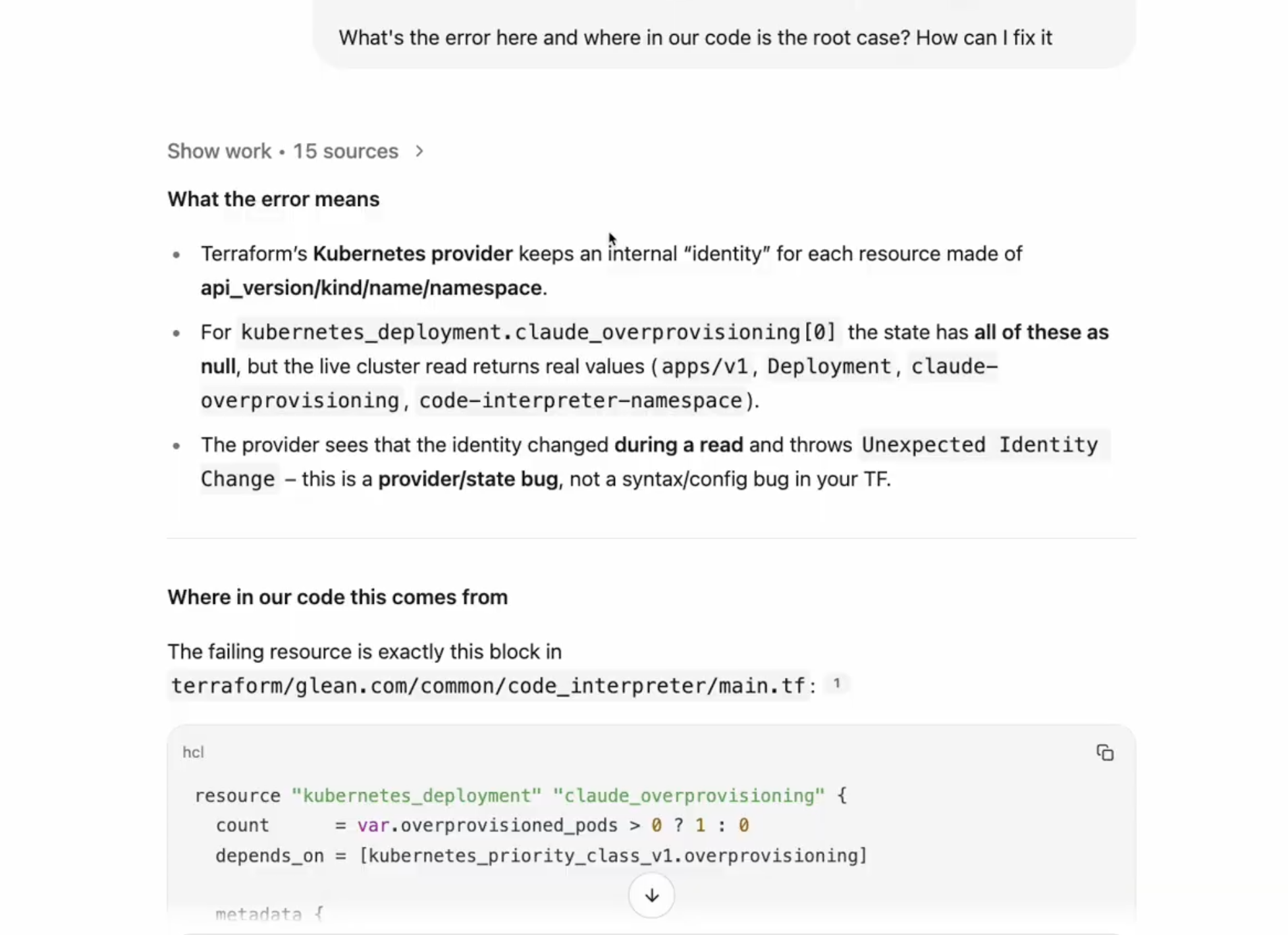
Code writer powers the job of "moving from understanding to change.” It uses the same rich context from your code repositories to generate pull requests that follow existing patterns, allowing engineers to safely transition from insight to implementation. For example, from a Jira bug or incident summary, code writer can propose a targeted fix, reuse the right helper functions and tests, run your configured checks, and open a draft pull request that matches your team’s templates and tagging standards. To learn more about enhanced security with code writer, please refer to the code writer documentation pages.
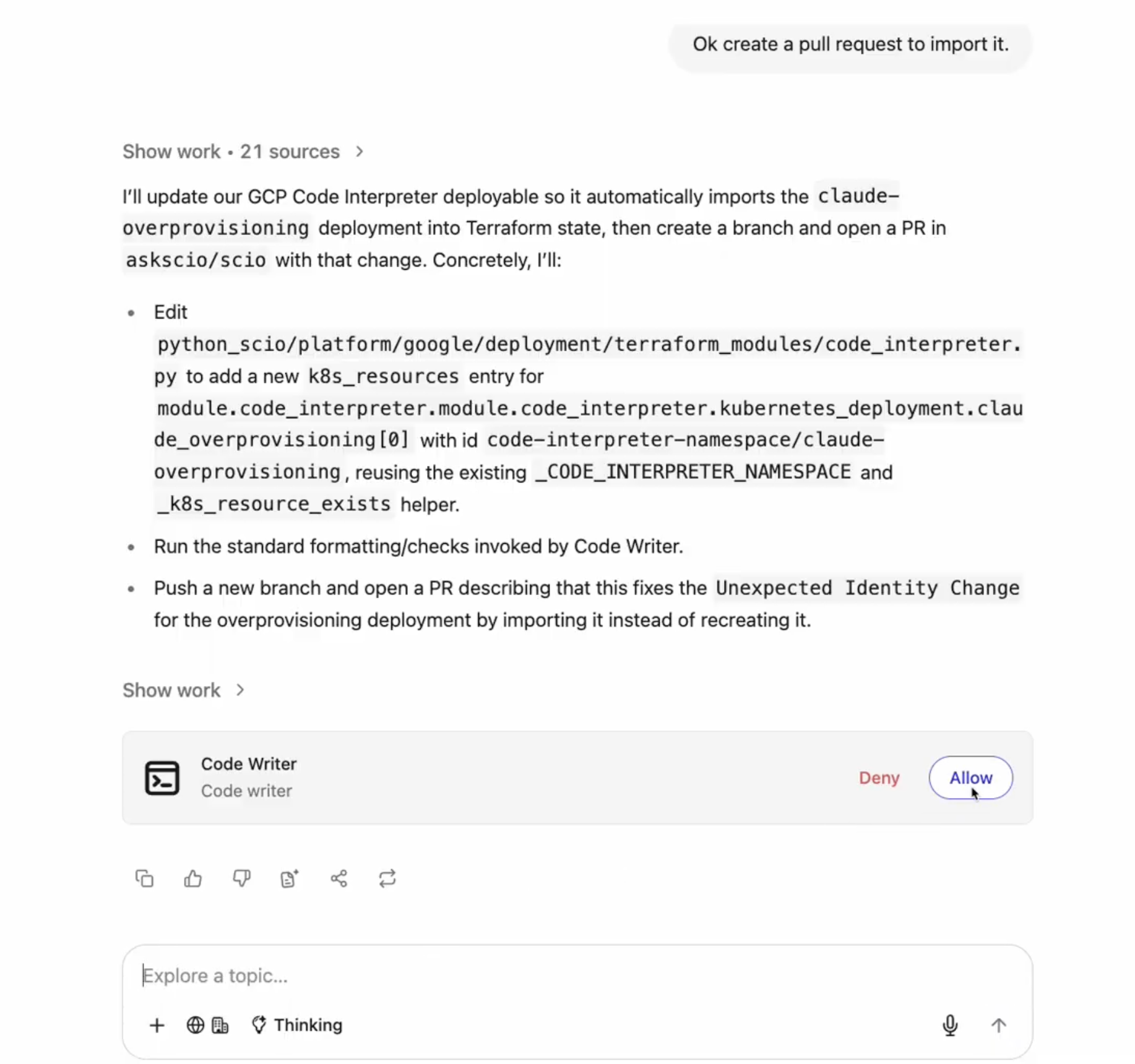
Code search and code writer, when used together, become even more powerful. Because they’re available right in the surfaces where engineers work, common engineering tasks are completed faster, with less friction, without switching between interfaces or tools. Code search and code writer actions operate within your existing security parameters and reflect your current permissions, so engineers can work with confidence and security remains intact.
Extending code search with MCP
With code search now available as part of Glean MCP, this same experience extends beyond Glean surfaces into other MCP clients, such as Claude Code and Cursor. Code writer remains available inside Glean native integrations, while MCP focuses on extending code search into external tools.
Get started
If you’re already a Glean customer with connected code datasources, code search is now enabled by default To turn on code writer, head to the Admin Console and enable the “code writer” action from the Admin Actions tab, where you’ll also find usage and access policies.
Ready to see it in action? Get a demo of Glean for Engineering to see how code search and code writer actions work together across real engineering workflows.
Prefer a quick preview first? Watch the January drop demo to see real screen recordings of code search and code writer in action.
