










Glean aims to be everywhere work happens in the enterprise, so you can get work done with AI that understands your company context. That's why we're excited to announce that Glean is integrating with Microsoft Agent 365, bringing Glean into Microsoft’s productivity apps so you can generate personalized emails in Outlook, research and strategize in Word — and more.
With Glean’s integration with Agent 365, you get a personalized, agentic chat experience that works with the Microsoft 365 apps.
- Glean’s integration with Agent 365 for Word: Go from blank page to final version, by getting help from Glean on turning research into a narrative, laying out strategic plans, and pulling in relevant company knowledge to inform what you write next.
- Glean’s integration with Agent 365 for Outlook: Ask Glean to draft an email and it adapts to your writing style for the task — whether you’re reaching out to a customer or sharing an internal status update.
Glean integrated with Agent 365 allows you to take action across surfaces. From a Teams conversation you can create a Word document, send an Outlook email, and more — enabling cross‑surface collaboration via the Microsoft 365 Model Context Protocol (MCP) server.
With an open, interoperable approach, both Glean and Agent 365 come together to make enterprise work more agentic.
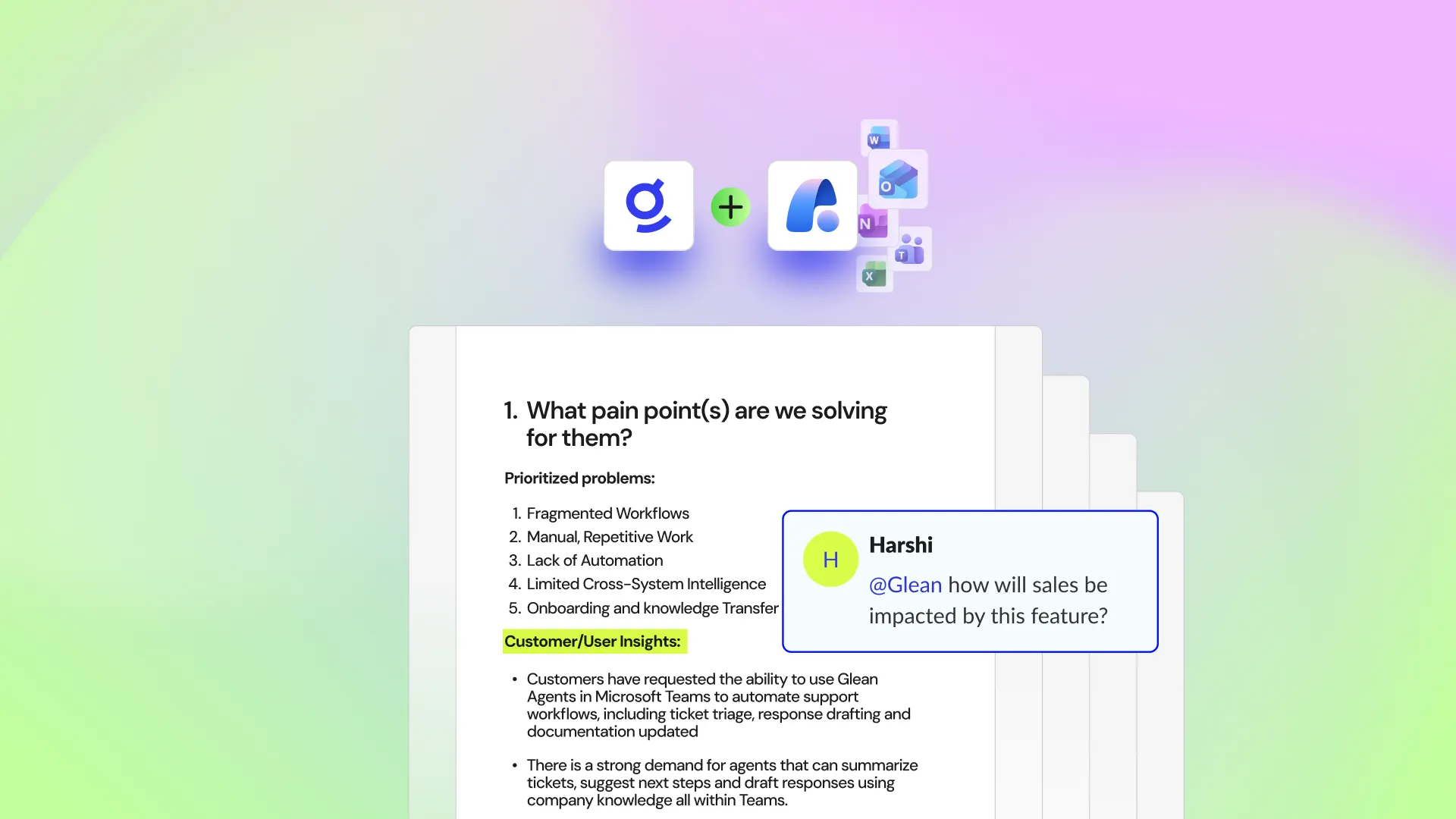
Get work done smarter, faster with Glean enterprise context and Agent 365
By integrating Glean where work already happens, you avoid app switching — moving from idea to execution in one place, with all the enterprise context you need to stay focused. When context lives beside the work itself, Word documents and Team chats, you reduce the mental overhead of jumping between tools and teammates just to get an answer.
And the benefit extends across the entire team. Reviewers of Word docs aren’t starting from scratch — they can see the full history behind a decision, understand why something was written the way it was, and access relevant data or prior conversations without asking you to resurface it. That means faster reviews, fewer bottlenecks, and higher-quality decisions across the board.
Ultimately, using Glean where work already happens in Microsoft 365 apps enables a shared understanding that travels with the work itself. Everyone involved — creators, reviewers, approvers — gets the context they need, when they need it, without slowing anyone down.
How Glean delivers enterprise context with Agent 365
At Glean, we’ve built an Enterprise Graph that maps the relationships between your data, your people, and your processes. This lets Glean take on far more complex work even from a simple prompt — because it already understands the meaning, the connections, and the intent behind what you’re asking.
Securing enterprise context with Agent 365 and Microsoft Azure
Data access and available actions both follow the user’s permissions in Agent 365 — one of the core ways Glean keeps enterprise context secure and ensures AI never overreaches.
Securing context starts with where your data lives. Glean now runs as a service in your own Azure cloud, so you maintain full ownership and control. When Glean connects to your enterprise systems, it enforces Microsoft sensitivity labels and lets you define additional sensitive content through infotype, term, and regex matching. This prevents overshared, confidential, or high-risk data from being pulled into enterprise AI workflows.
We pair this with protections against AI-specific threats — such as prompt injection and malicious code — and granular access controls that govern how AI can be used across the enterprise. These controls don’t just exist in one product surface; they follow the user everywhere Glean appears, including inside Agent 365. That means your enterprise context stays protected, no matter where your teams choose to work.
Glean works where you work
Glean makes it easier — and safer — to get real work done. Customers using Glean with Microsoft are already seeing the impact:
"Glean layers effortlessly across our Microsoft ecosystem and the rest of our business apps, allowing us to search, analyze, and act on all of our work in one secure, enterprise-grade platform. Glean is the connective tissue of our knowledge ecosystem — helping us answer questions quickly and accurately, and always referencing source knowledge used."
- Benji Jasik, Head of Technology at Generate Capital
“We rely on Glean to unify our Microsoft ecosystem and all our internal data into one connected truth — fueling smarter decisions and faster value creation.”
- Thomas Emmons, CTO at Accordion Global
Leading enterprises including T-Mobile, Intercom, Intuit, Thornton Tomasetti, McCarthy, The Gates Foundation, Shore Capital, and Sargent & Lundy choose Glean and Microsoft for Work AI.
Get started today with a demo of Glean connected with the Microsoft ecosystem.
Availability: Glean in Agent 365 (coming soon), Glean on Microsoft Azure Cloud (GA), Glean on Microsoft Azure Marketplace (GA), Glean expanded connectors to Dynamics 365 (GA) and OneNote (Beta).
