




Glean for Desktop
Your AI coworker, available wherever work happens.










Work faster without context switching
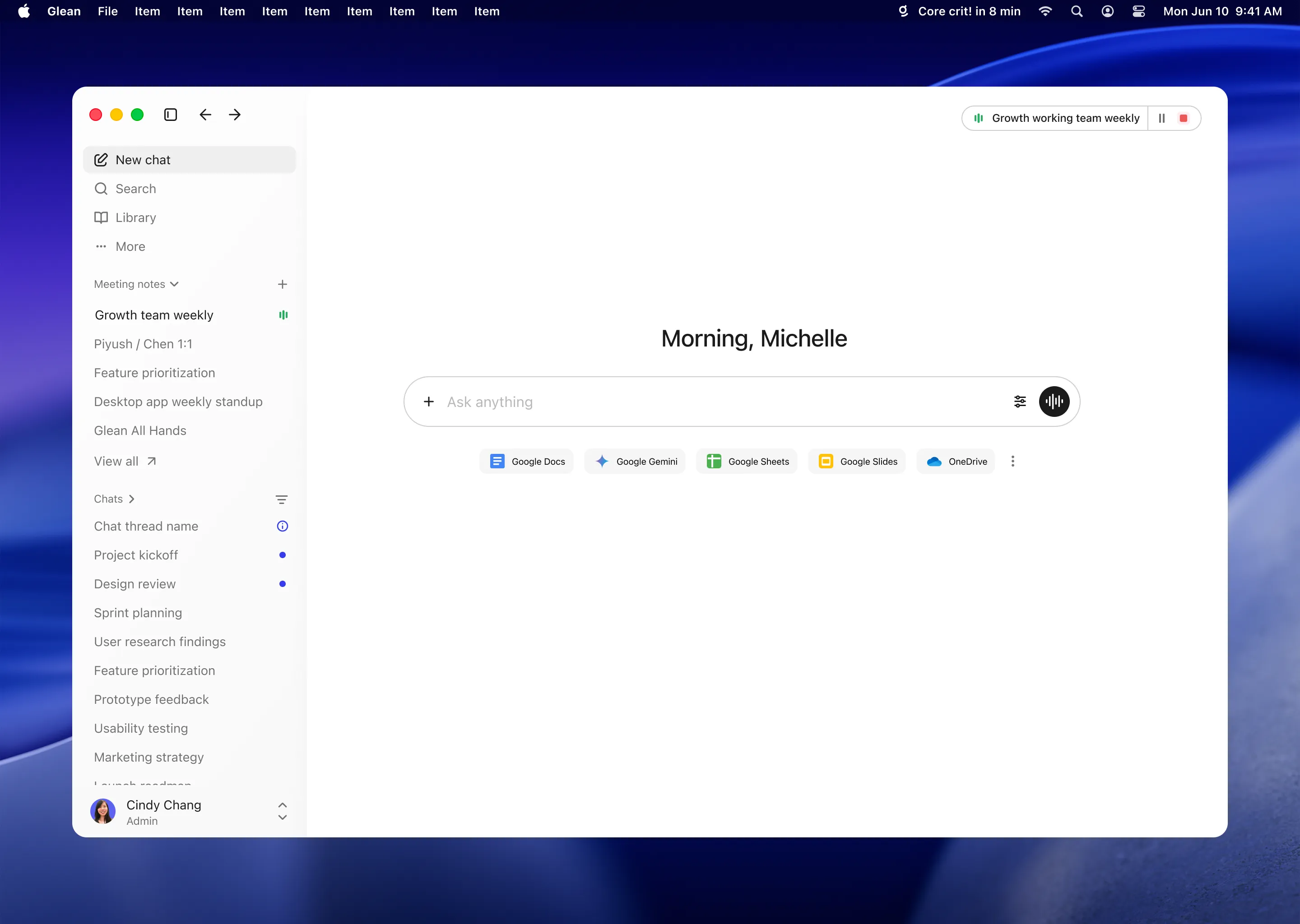
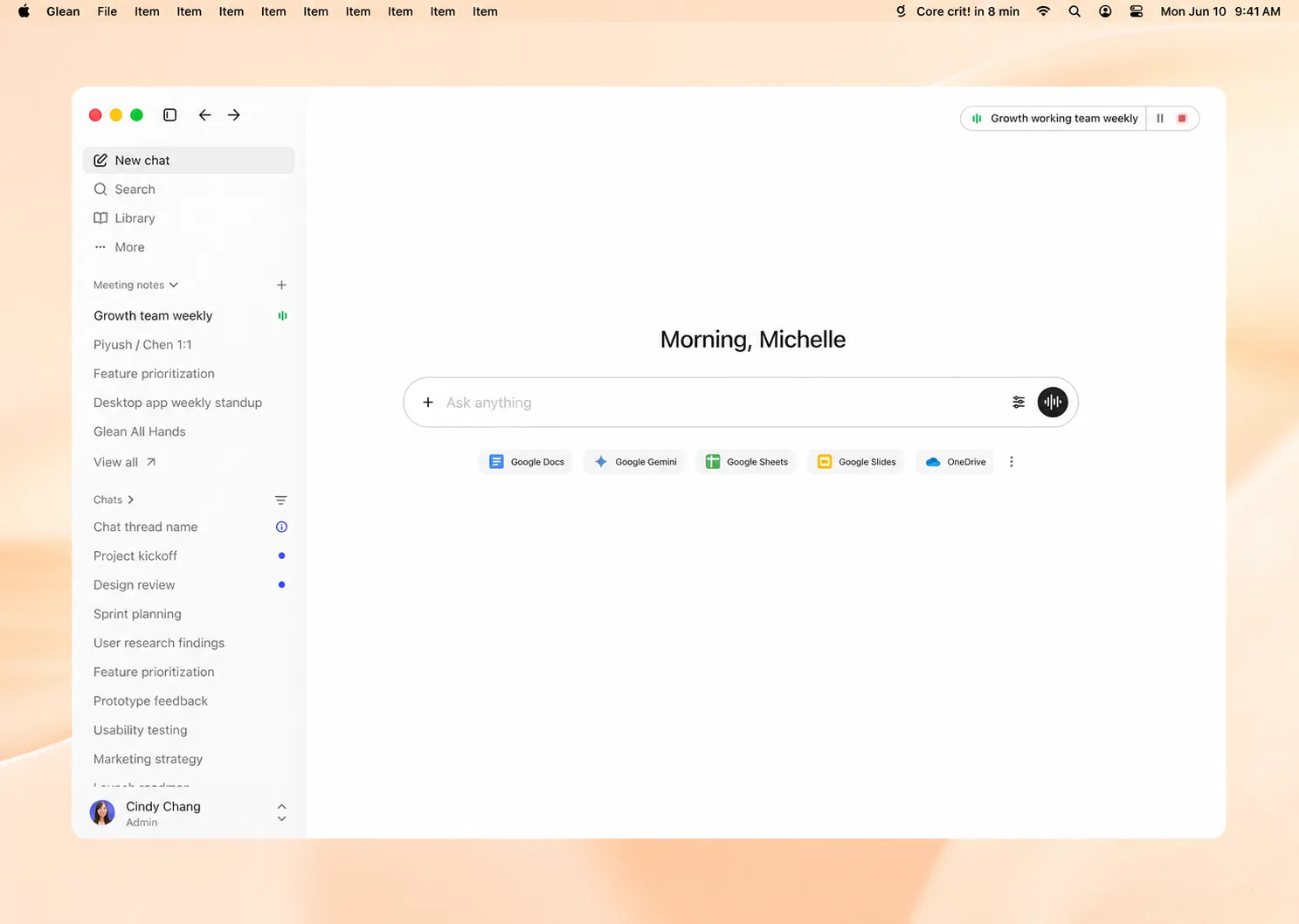
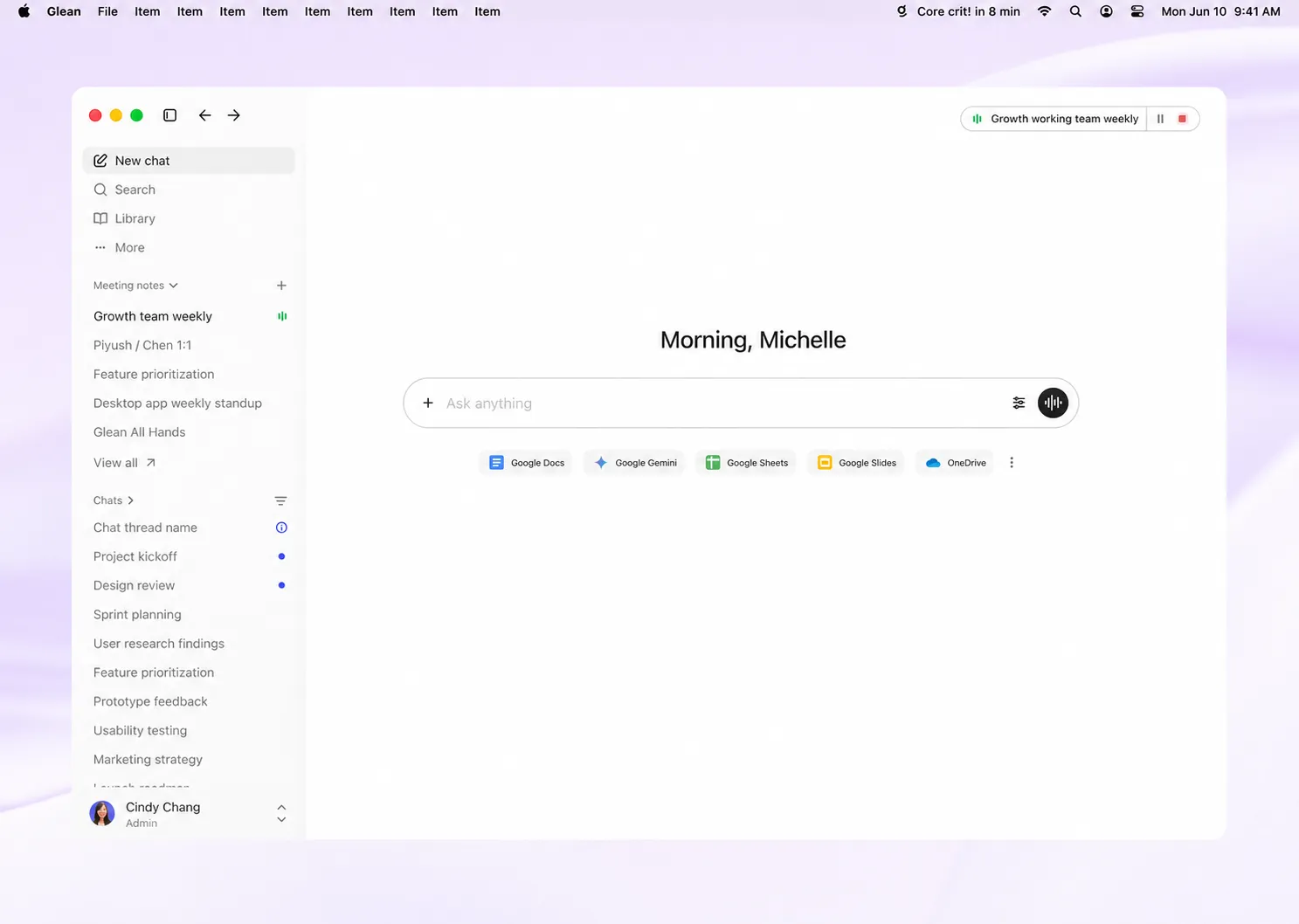
Launch Glean instantly from anywhere on your computer. Ask a question, draft a reply, or work through a task, then get back to work.

Turn meetings into action
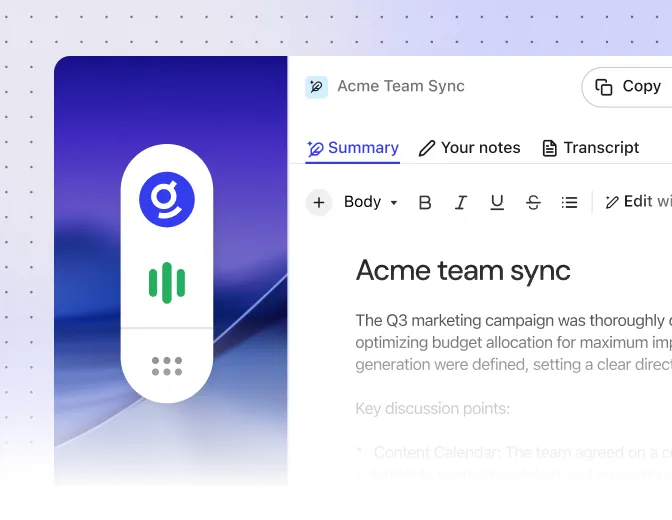
Stay focused on the conversation while Glean captures notes, summarizes key takeaways, and flags action items.

Keep Glean beside your work
Use Quick Chat to keep Glean within reach while you draft, review, summarize without leaving what you're working on.
Meeting notes
Capture meeting notes where work happens
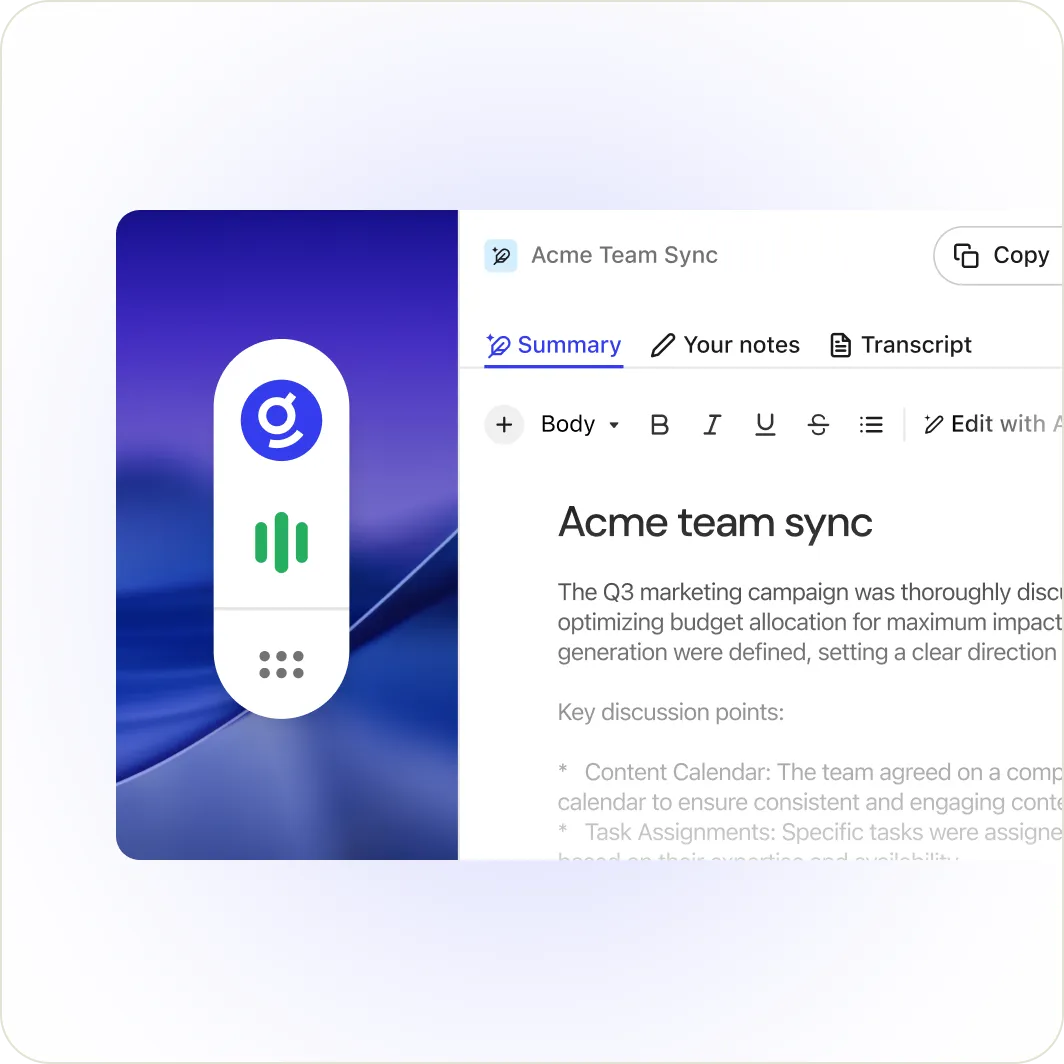
Glean captures the conversation from your desktop, then turns it into a searchable transcript and summary you can reference and build on in the work that follows.


Quick Chat
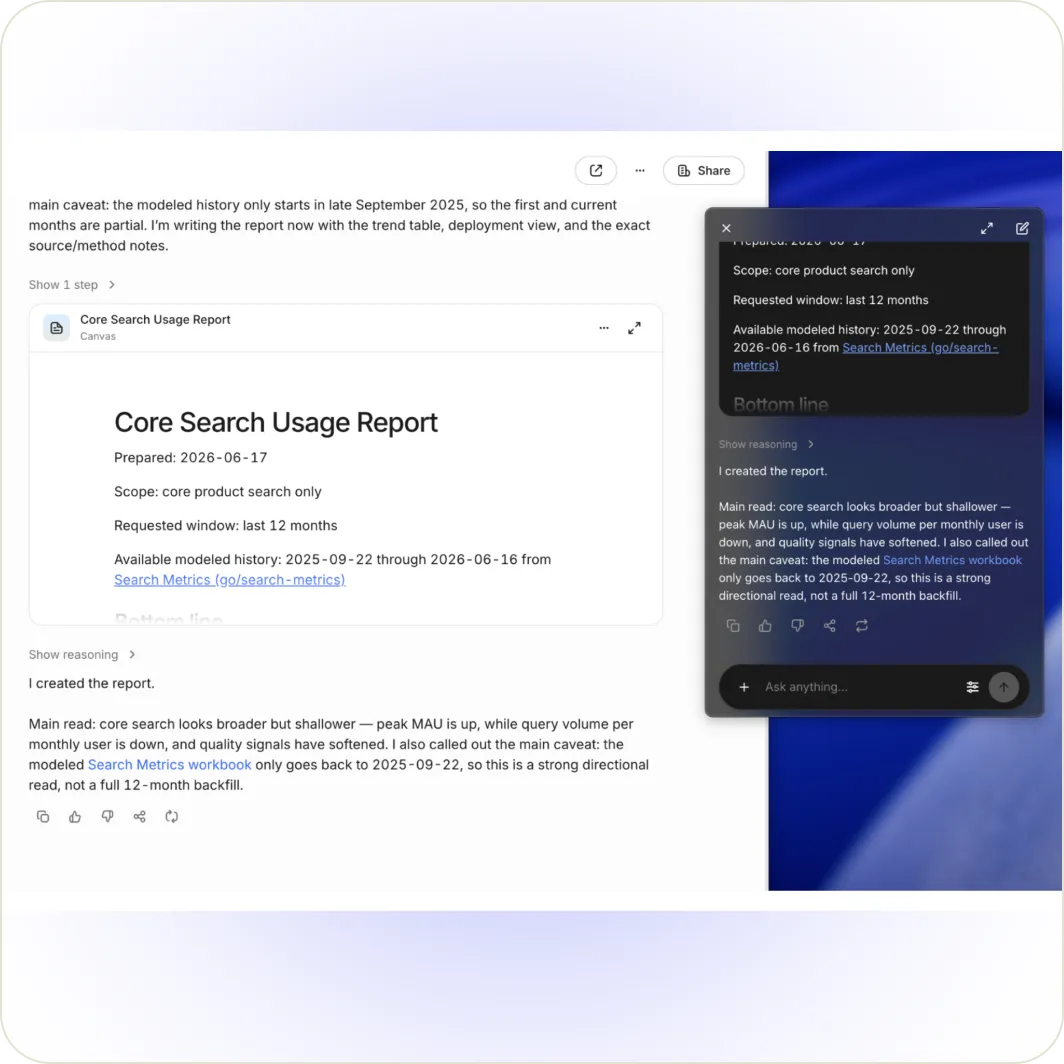
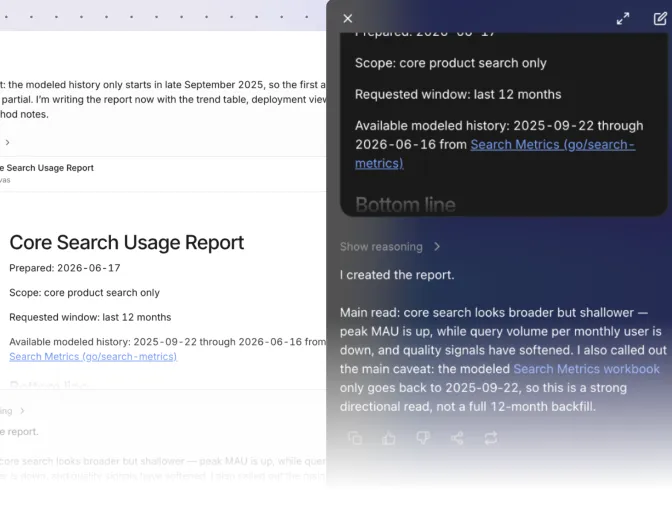
Quick Chat follows your work.
The Quick Chat window floats above your apps as you move between them. Draft a new doc, check your inbox, and continue the conversation.
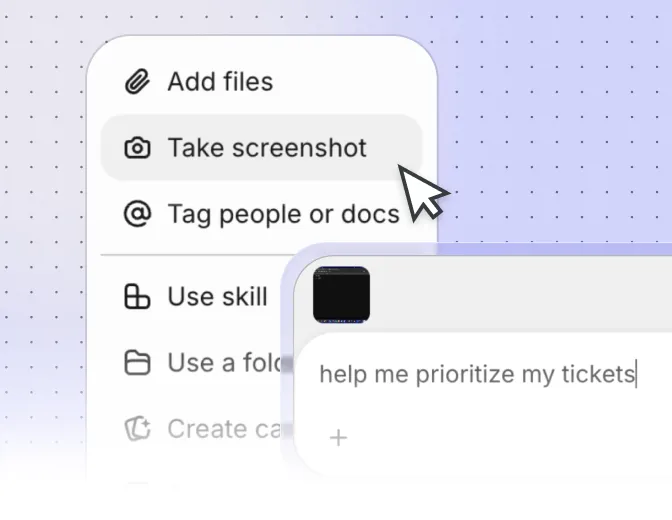
Screenshot-to-chat
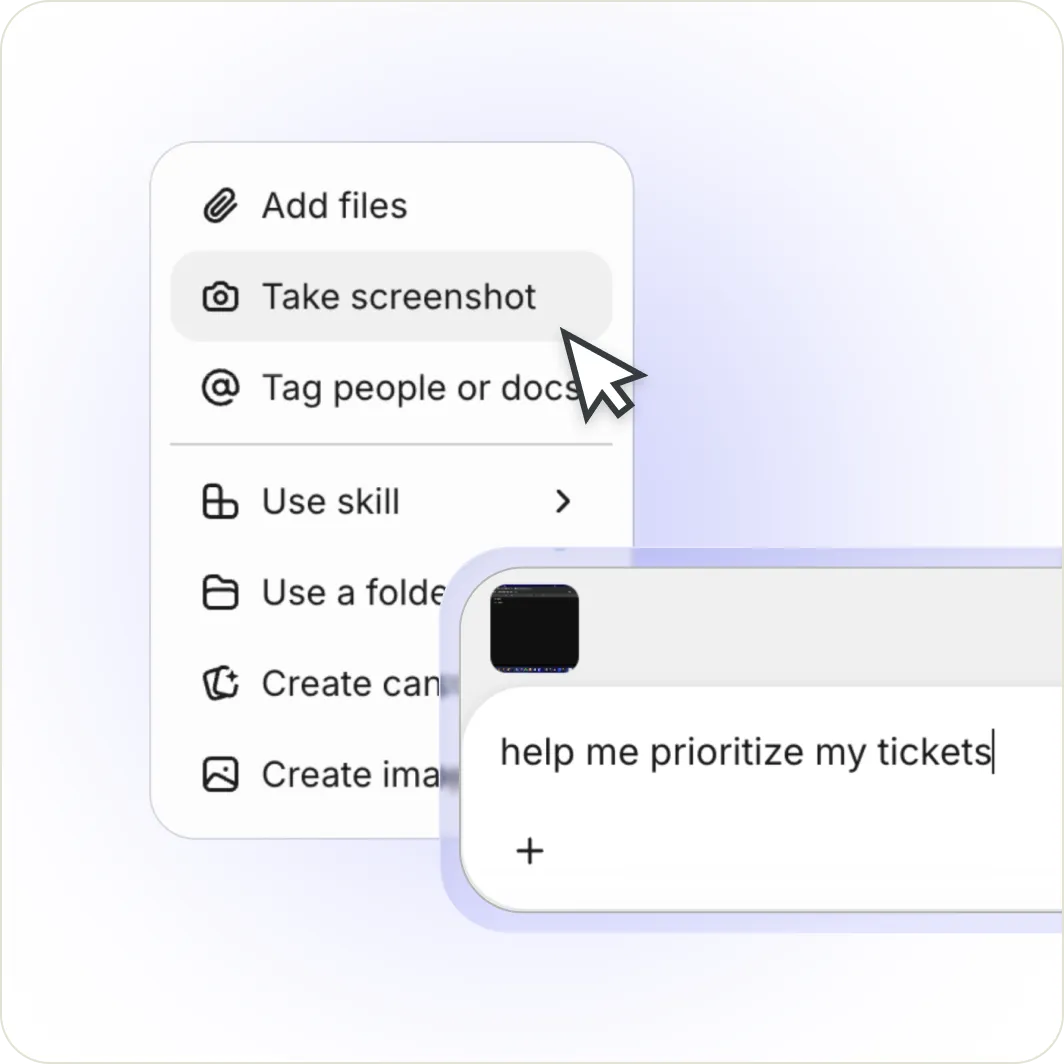
Share what you see with screenshot-to-chat.
Attach a screenshot directly in chat to show Glean what you’re looking at and get a more relevant answer, whether you are reviewing a UI, debugging an issue, or asking about a document.
Keyboard shortcut
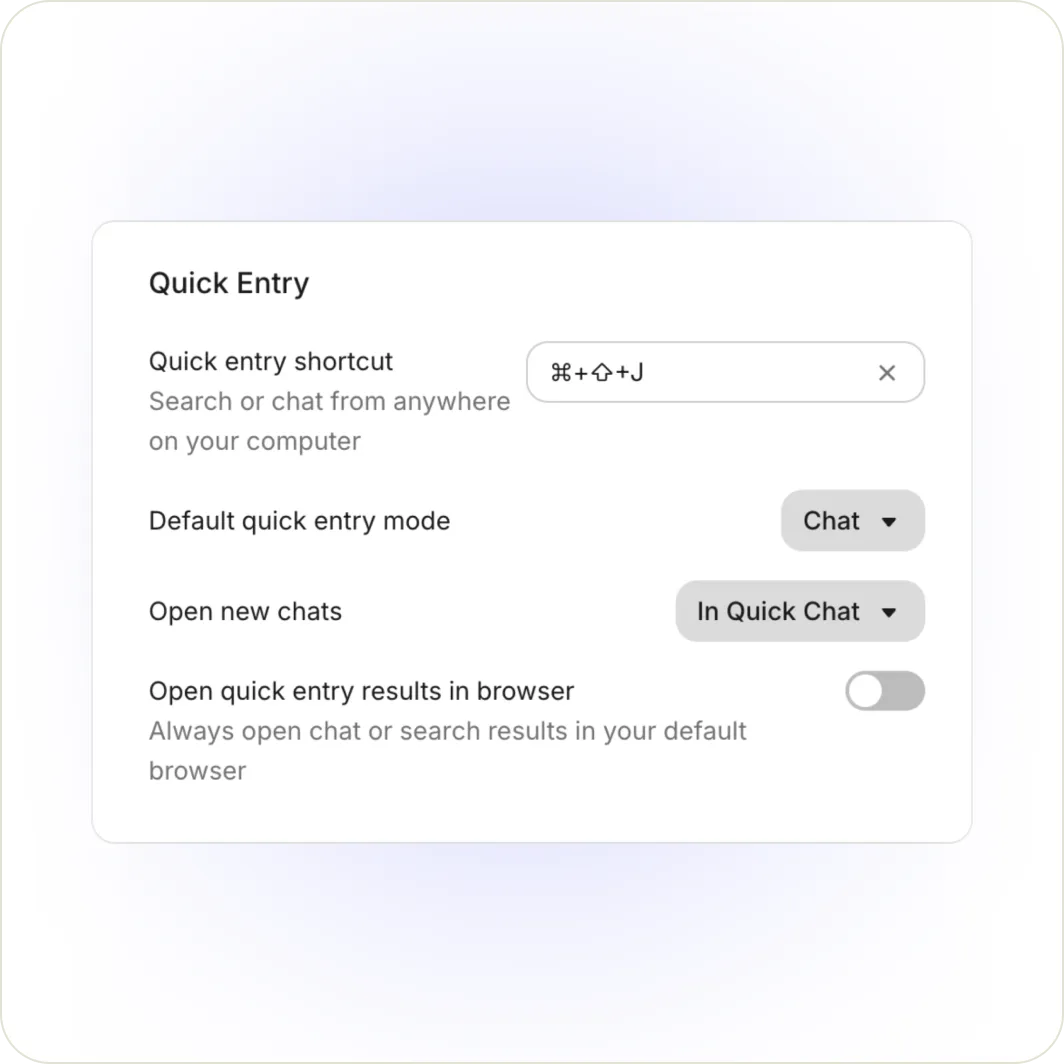
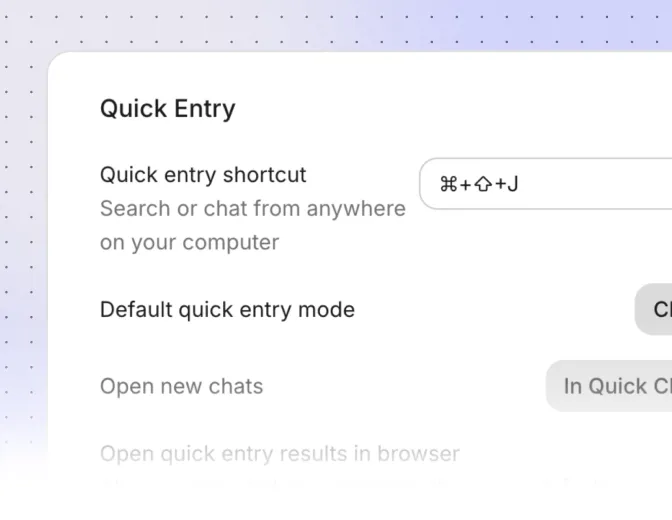
Open Glean with a keystroke.
A single keyboard shortcut brings up Glean from whatever app you're in, so you can search, chat, or take action in the moment, without losing your place.
Explore more resources