









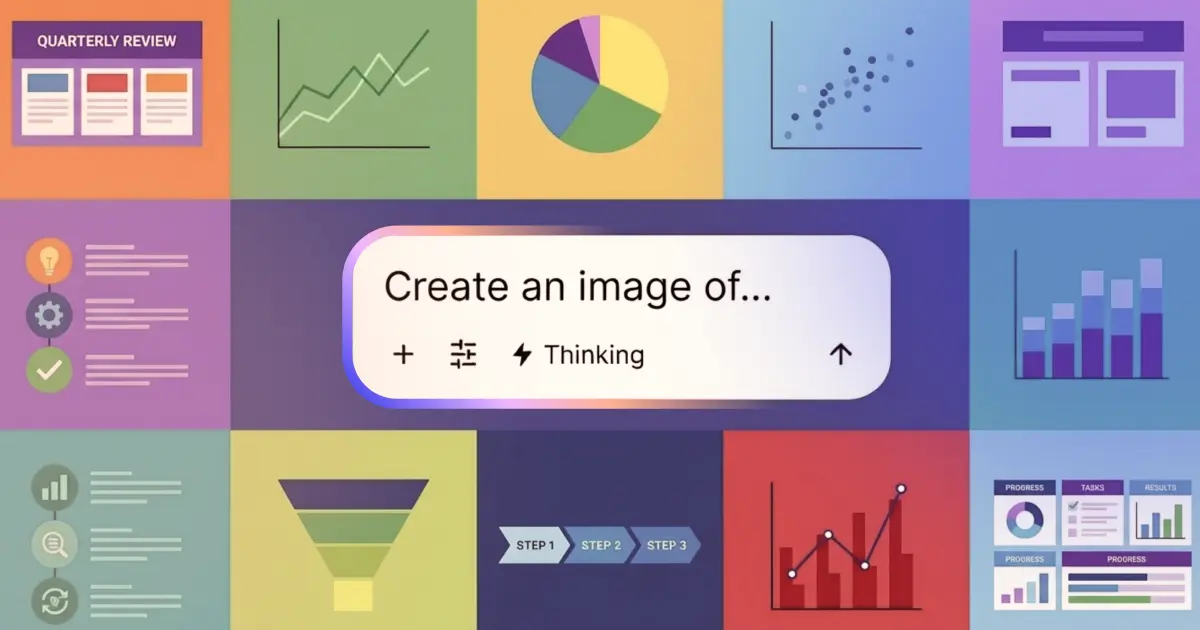
Glean started with Search to help you find answers across your company's scattered knowledge. We added Chat so you could go deeper—asking follow-up questions and connecting dots across sources. Now, we're building what you've been asking for: a single workspace where discovery and execution happen in one flow.
Currently, insight and action are still separated by friction. You search, then switch tabs to chat. You find the right document, then copy-paste links to reference it. And the moment you're ready to act—to draft a proposal, build a visual, or summarize your findings—you're opening another tool entirely. Each transition costs you momentum, and momentum is everything when you're trying to think and ship fast.
Our latest update makes Assistant the place where you find and create in one continuous workflow—all grounded in your enterprise context. We're introducing Search in Chat, autocomplete, and image generation that work together seamlessly, each one powered by the knowledge that matters most: your company's docs, data, and conversations.
Search in Chat and autocomplete
Search results and document suggestions now show up in Chat results—right under the chat bar as you type. Powered by trusted, permissions-aware search, these results are also displayed alongside Glean Chat responses to give you the full picture. These ‘autocomplete’ search results enable users to find relevant files faster than ever, even before they knew they existed.
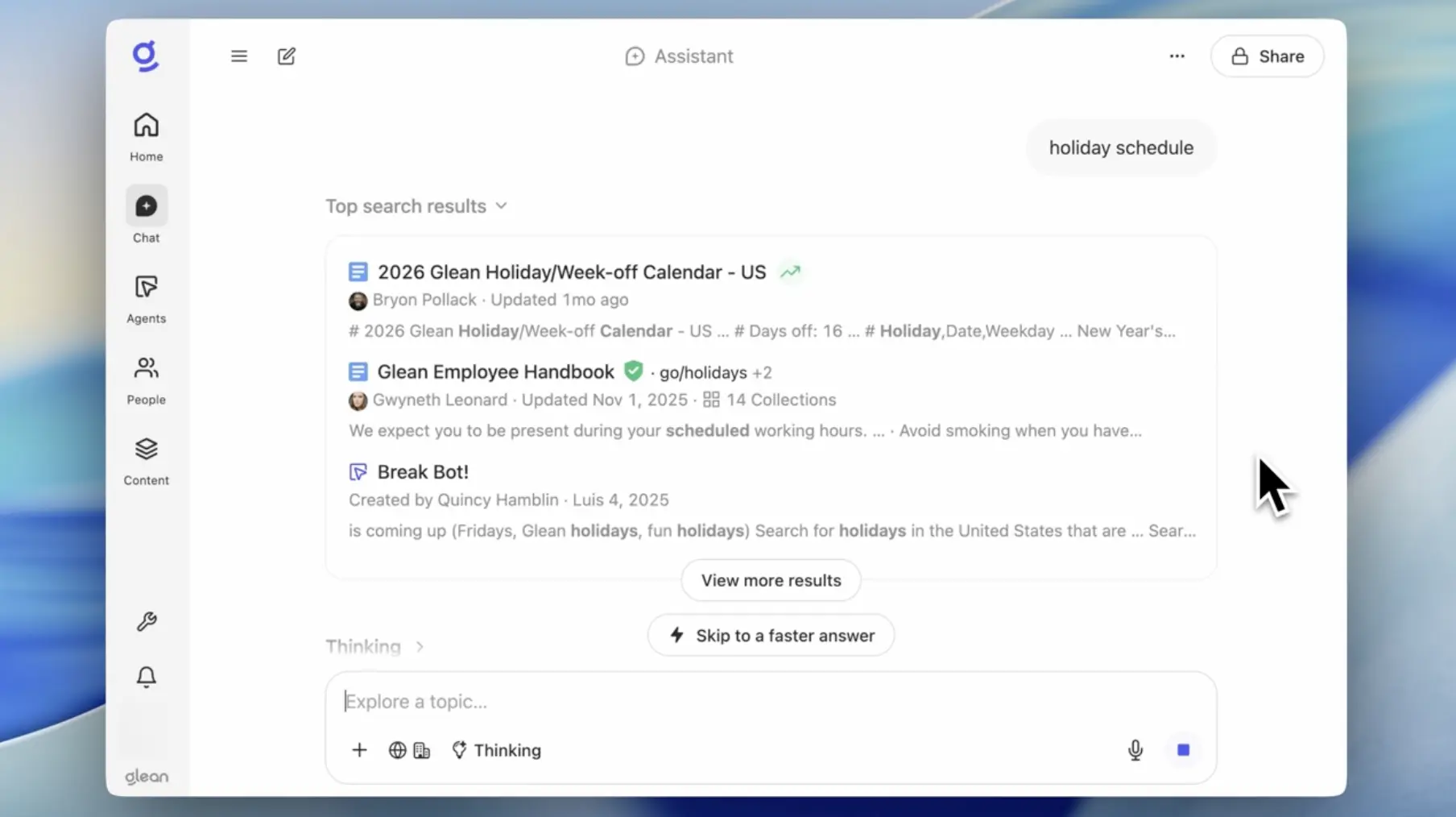
To get started, simply type a question to see autocomplete and Search in Chat in action.
Image Generation in Assistant
Glean Assistant is now capable of creating visuals directly in Chat. This image generation feature lives in the same Assistant that already understands your work. With full context behind your enterprise documents, tickets, code, and conversations, visuals are always grounded in your work context.
Glean is model-agnostic, and while we're launching with Nano Banana Pro, we'll continue bringing additional providers onto our platform—giving you choice and flexibility in the models that power your work.

Visuals generated by Glean can be downloaded as a .png file for use anywhere you work—in decks, briefs, internal updates, and more.
The new Assistant in practice
Sales: Confident QBRs without tab‑hopping
Before a QBR, a rep starts typing a question in Assistant. As they do, the Q3 board deck, renewal tracker, and key Gong calls appear under search bar. Assistant returns a concise outline with citations, then generates a visual that highlights wins, risk areas, and next steps—ready to drop into the QBR deck.
Engineering: Faster understanding of complex systems
An engineer debugging a latency issue types a query about the payments service. Chat autocomplete surfaces the latest architecture doc and runbook. They ask for a plain‑language summary of the current design and get back both an explanation and the right diagrams in one place. To align the team, they have Assistant generate a simplified diagram of the “before vs. after” flow and paste it directly into the incident review doc.
Any employee: A clearer picture of your own work
At review time, an IC asks: “Look across my work from last quarter and turn it into a one‑page infographic I can share with my manager.” Assistant uses personal activity signals to outline key themes and outputs, then uses image generation to create a visual summary—turning scattered activity into a clean, shareable artifact.
Want to learn more about Glean? Sign up for a free demo today, and check out our January drop page for more new features coming this week.
Search in Chat and autocomplete features are already available for Assistant, and are active by default for most deployments. If you don’t see them, please check your Assistant settings. Image generation is available for Glean Key customers on GCP and can be controlled via the Admin Console, including usage and access policies. Image generation is available with usage-based pricing.
