







AI is changing not only how developers build software, but what they build. Developers have increasingly turned to coding assistants such as Claude Code, Cursor, and Codex to write code, explore ideas, and create products. Now they’re using those same tools to build a new class of software: agents that can reason and take action on a user’s behalf.
As agents take on more consequential work, teams need to build and manage them with the rigor they apply to software: version control, testing, collaboration, deployment, and security. Some workflows also demand more deterministic control over an agent’s steps, guardrails, and integrations. Building agents as code gives developers that control and lets them test, review, and roll back changes using the tools and workflows they already know.
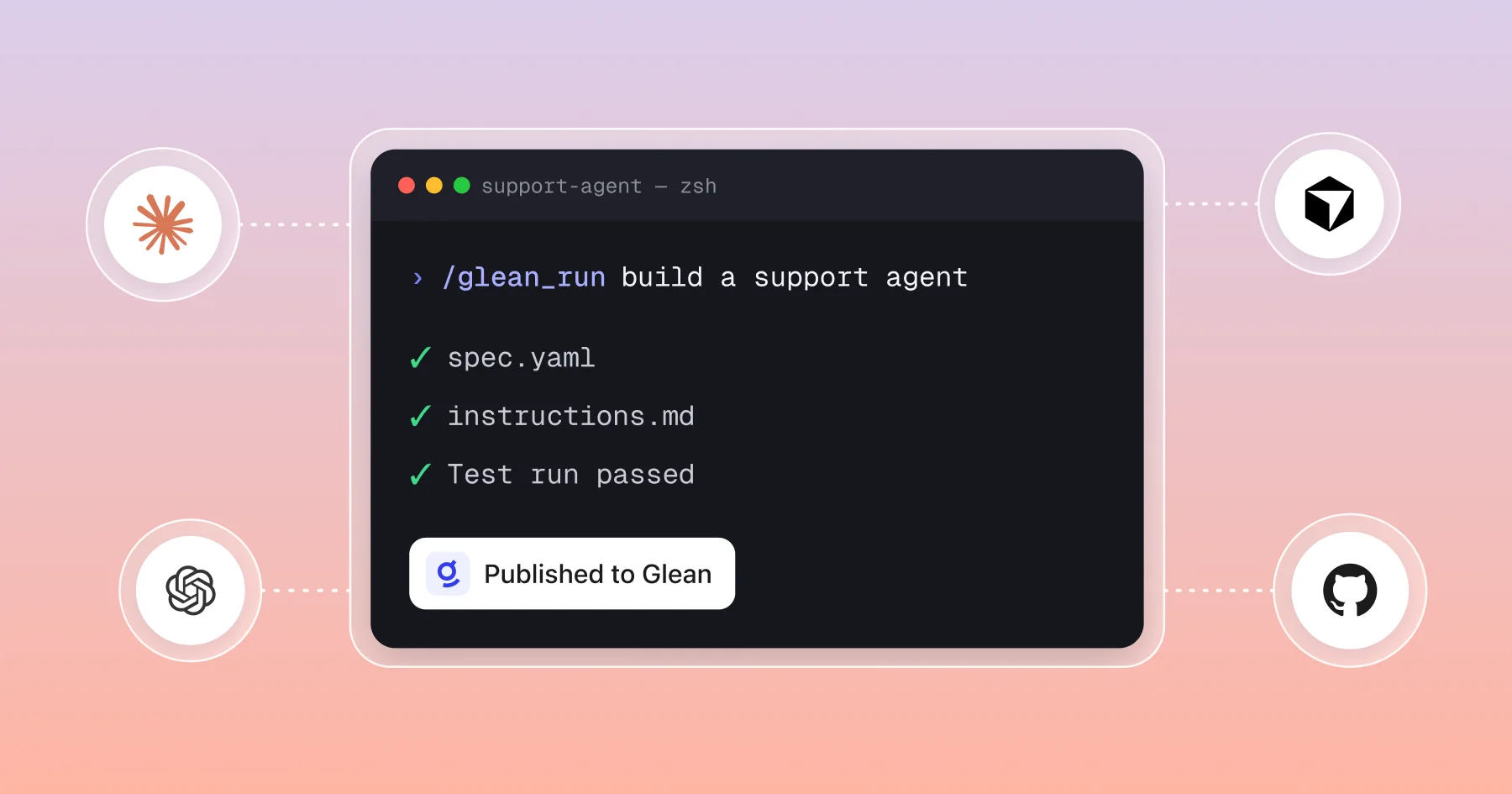
But engineering control is only part of the equation. Enterprise agents also need permissions, governance, and auditability built in from the start. Today, we’re introducing headless agent building for Glean, a new way to build, test, and publish agents from coding environments such as Claude Code, Cursor, and Codex. Developers can author agents alongside their code, while they run on Glean’s managed runtime with Glean’s enterprise permissions, security, and governance intact.
Unlike other vendors, headless agent building for Glean gives developers the flexibility of a code-first workflow without requiring them to build the enterprise and context foundation themselves. Agents created with the Glean plugin use the same knowledge graph, permissioned access across 275+ enterprise sources, and audit trail as agents built with Glean’s visual agent builder. Headless agent building for Glean brings the development practices engineers expect to agent creation, while Glean provides the context and controls agents need to work safely with company data. On the other hand, customers who prefer to use natural language or a visual, low-code canvas for configuring agents without writing code can continue to use Glean’s agent builder.
Build agents as code with Glean
Building agents in code should give developers more than a new interface. It should let them use the software practices they already trust while the agent still benefits from Glean’s Enterprise Context, permissions, and managed runtime. Glean’s headless agent building feature enables developers to define, test, evaluate, and publish an agent like they would with code.
Define the agent in files
The Glean plugin creates an agent in your coding workspace with a spec.yaml for its configuration and an instructions.md for its behavior. You can keep those files alongside your code, and extend the agent with skills or subagents when needed. The result is an agent your team can develop and manage using familiar tools without rebuilding your enterprise context foundation.
Test and evaluate before publishing
Run the agent with representative inputs directly from your coding environment. Review its output, run evaluations, and use the results to refine its instructions and configuration. Builders can monitor a run’s progress and inspect its output, keeping the feedback loop close to the code.
Roll back changes as needed
Developers can review changes in the coding assistant or through pull requests in Git. If a change doesn’t work as expected, you can easily roll it back. By allowing developers to create agents as code, it gives teams a familiar way to collaborate on agent behavior and configuration in the tools they already trust.
Publish to Glean, not a separate runtime
When the agent is ready, developers may publish it to Glean and share it with the team. The agent runs on Glean’s managed runtime, with the same knowledge graph, permissions across 275+ enterprise sources, and audit trail as agents created in Glean. Admins and builders can share, manage, or disable published agents in the Glean console.
When developers build their agents as code with Glean, the agent doesn't become a new application that engineers have to build infrastructure for. It becomes another artifact they can build and manage using the tools they already know. Headless agent building supports auto mode agents today, while workflow mode agents still need to be built in Glean’s agent builder.
Transforming customer support workflows with headless agent building
A customer support engineer wants to catch urgent escalations early. How can they do that without leaving their preferred coding environment? Let’s take a look:
While working in Codex, the engineer asks Glean to create an agent that summarizes support conversations from Slack and Intercom. They refine the agent’s instructions, test it against a real scenario, and run an evaluation to see where it can improve. When the results look right, the engineer publishes the agent to Glean and shares it with the team. The result is a reusable agent for a recurring support task that is built in the engineer’s familiar tools and backed by Glean’s enterprise context and controls. This means less context switching, and more customer issues resolved.
Get started
Learn how to create an agent with code for Glean. Developers may build, test, version, and publish governed Glean agents from Claude Code, Codex, Cursor, and Git.
Glean’s headless building capabilities are generally available. We're excited to see what technical builders ship when agent creation lives where they already work.
