







AI usage controls
Keep AI spend predictable as adoption grows.
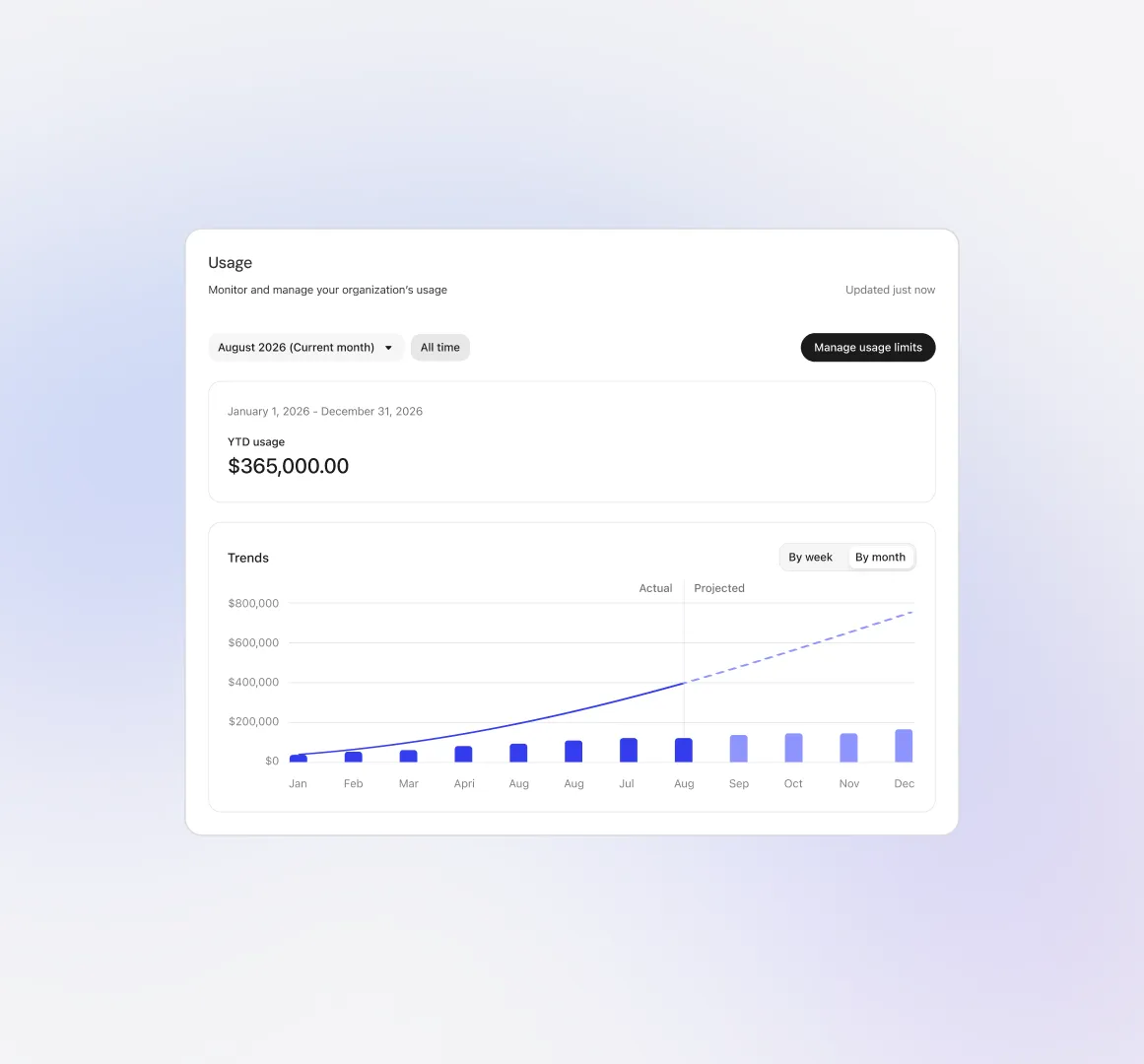
Shape the budget around how AI is actually being used. See what’s driving usage and adjust access and monthly limits as priorities shift.
Bring AI to more teams, on your terms.

Keep spend predictable.
Set monthly limits and decide what happens when usage reaches them, creating a clear cost boundary for every stage of adoption.

Know where usage is growing.
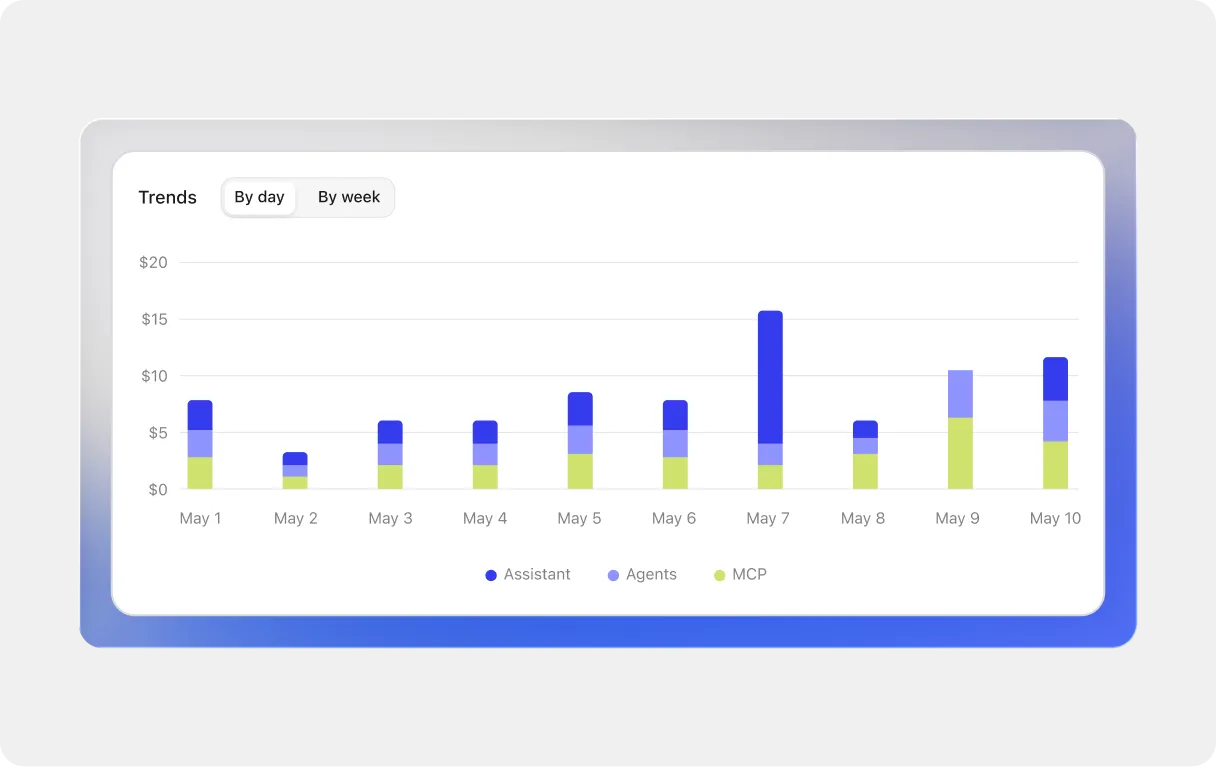
See which departments, users, models, and agents are driving spend, so you can educate users, enforce restrictions, or allocate more usage based on where demand is growing.

Set the right guardrails for each team.
Provide access to models based on each team’s work and budget, then adjust them as needs become more clear.

包括的なコンテキストで、より良い意思決定を
社内のあらゆる情報を踏まえた回答や推奨事項、次のステップを先回りして提示。あらゆる意思決定を、適切な情報からスタートできます。
包括的なコンテキストで、より良い意思決定を
社内のあらゆる情報を踏まえた回答や推奨事項、次のステップを先回りして提示。あらゆる意思決定を、適切な情報からスタートできます。

Usage limits
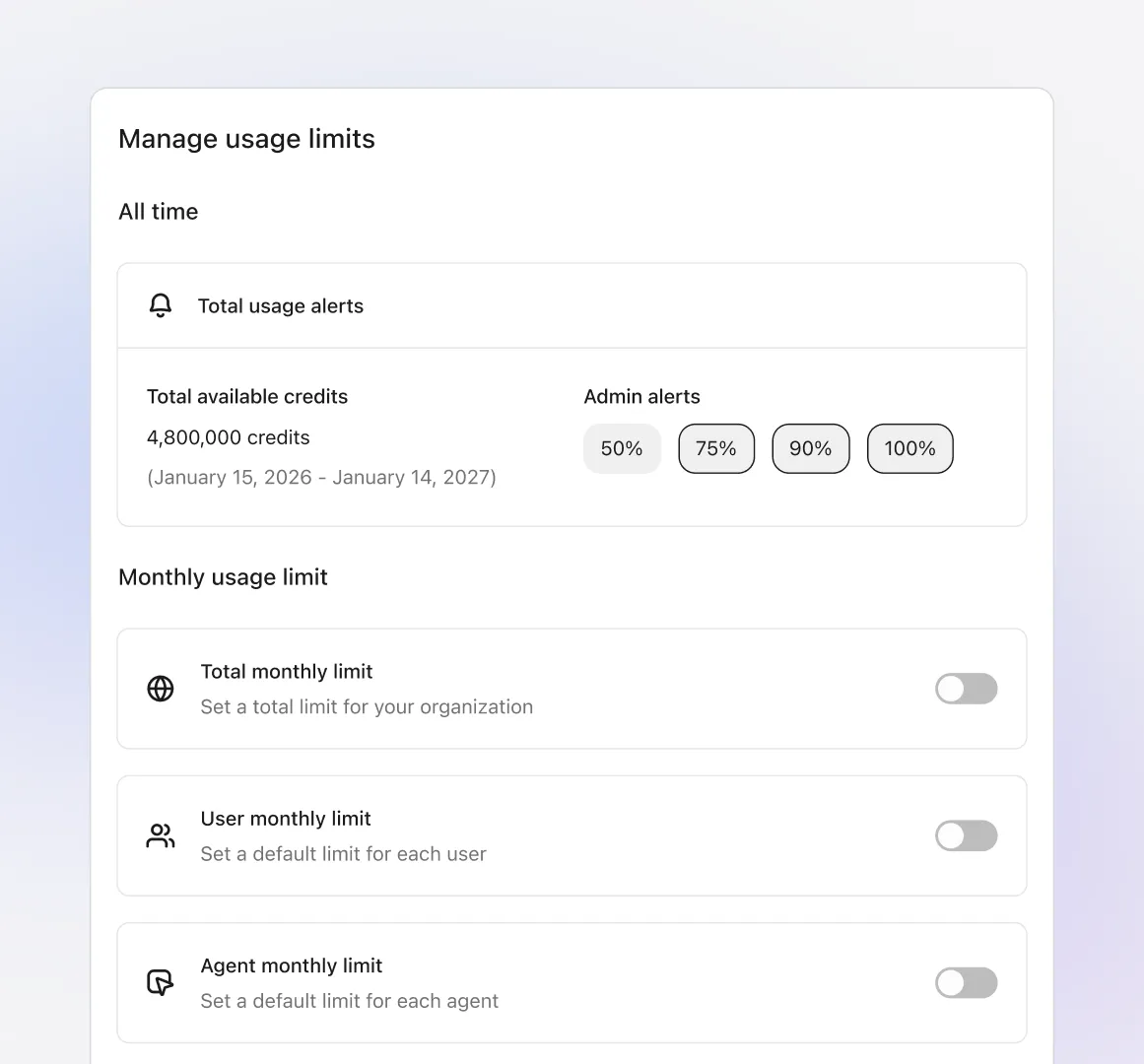
Set limits that fit your business.
Start with a company-wide monthly limit, then tailor it by department, user, or agent. Set alert timing and decide what happens when a limit is reached.
Usage visibility
See what’s driving spend.
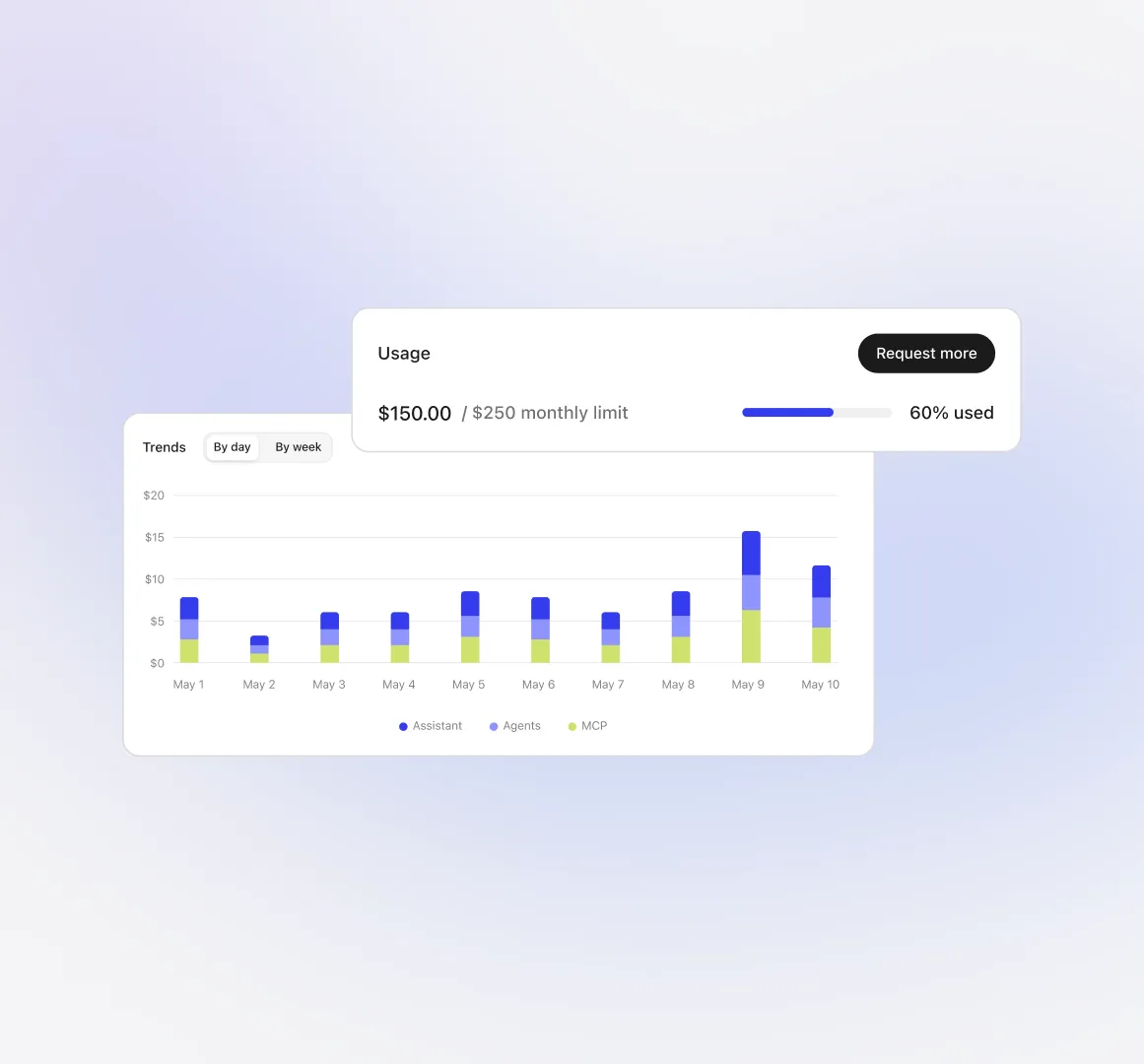
As the month progresses, see how usage is tracking. Adjust access, enforce additional restrictions, or allocate more capacity before a threshold is reached.
Usage requests
近日公開
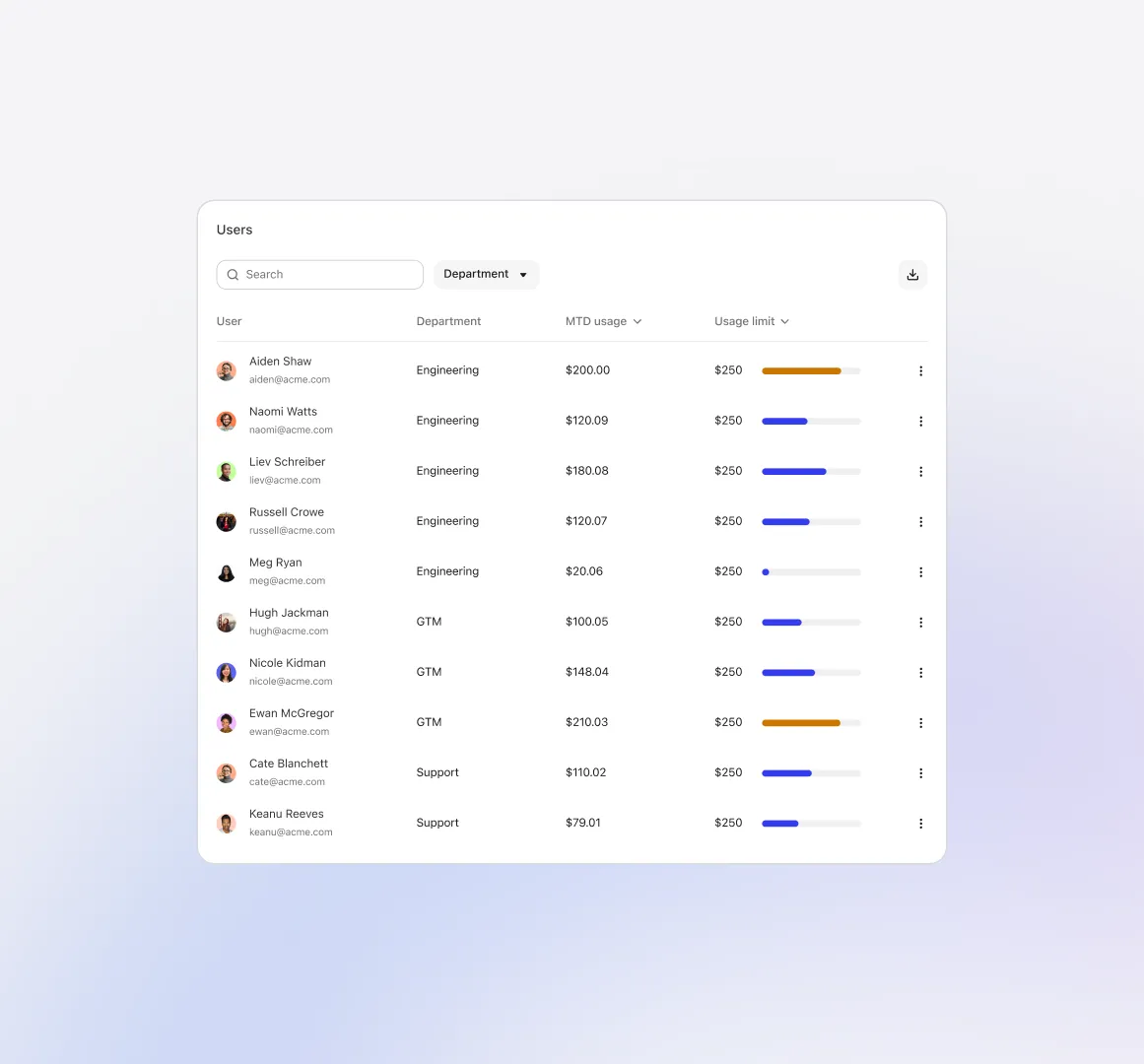
Give users a clear view of their limits.
Users can follow their monthly progress in settings, with contextual messages appearing as they approach a limit. They can also request additional usage directly in Glean (coming soon).
Spend forecasting
近日公開
Know where AI spend is headed.
Get a clearer picture of the models and activity behind individual usage. Forecasts show where the budget is headed, giving admins time to adjust limits along the way.