









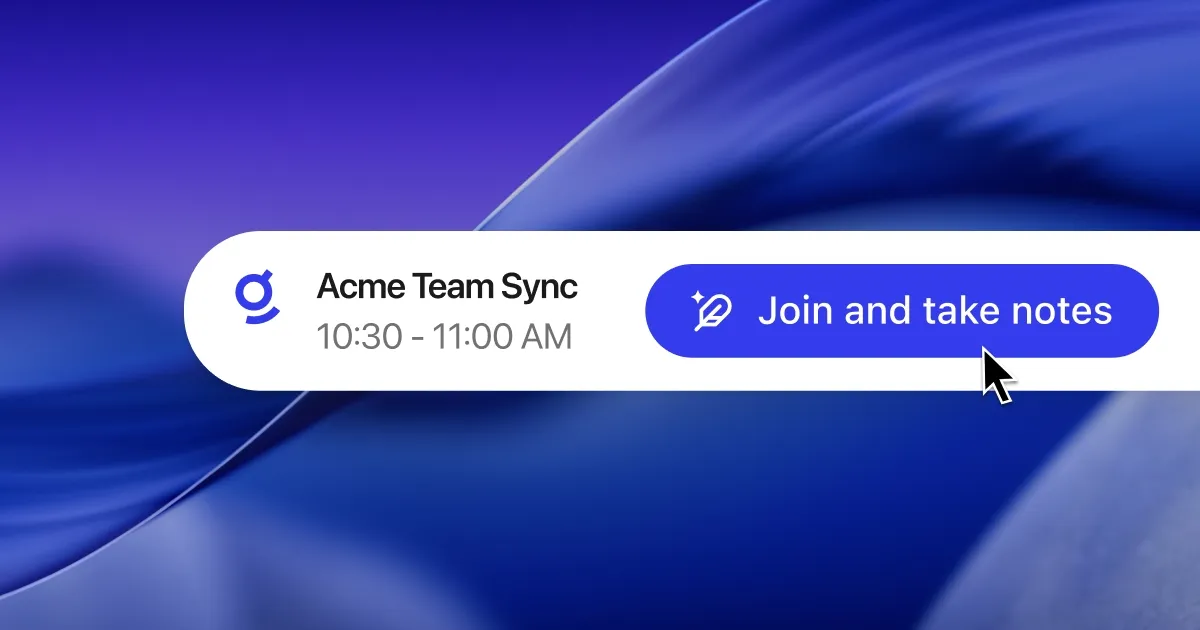
Meetings are the operational layer of the enterprise, but are one of the most broken parts of work. Critical context is created, but most of it is lost once the meeting ends. Teams leave with undocumented decisions, action items that live only in someone's head, and follow-up context that’s buried across chat threads and docs. When notes are siloed and fragmented, teams get misaligned, projects stall, and productivity declines.
Although disconnected note-taking apps help capture transcripts, that critical context is trapped in another siloed tool. We built Glean meeting notes to solve this. It transcribes conversations as they happen, gives users a place to take notes alongside the transcript, and generates a clear post-meeting summary focused on key decisions and action items — all built directly into Glean.
The biggest difference between Glean and other meeting transcription tools is that Glean doesn’t just record a meeting and generate a summary. It becomes searchable and referenceable alongside your docs, messages, tickets, CRM records, and the rest of your enterprise context.
Today, we're excited to announce that Glean meeting notes is generally available for all macOS and Windows desktop users on Glean Key.
Notes powered by context accelerate productivity
With meeting notes, Glean transcribes as soon as you activate meeting notes and join the call.
Let’s say you get pulled away mid-meeting due to an urgent Slack message, you can ask Glean what you missed and your AI coworker will catch you up using the transcript up to that point. Then, it checks who owns the next step, clarifies what was decided, and gets you back up to speed without interrupting the flow of the meeting.
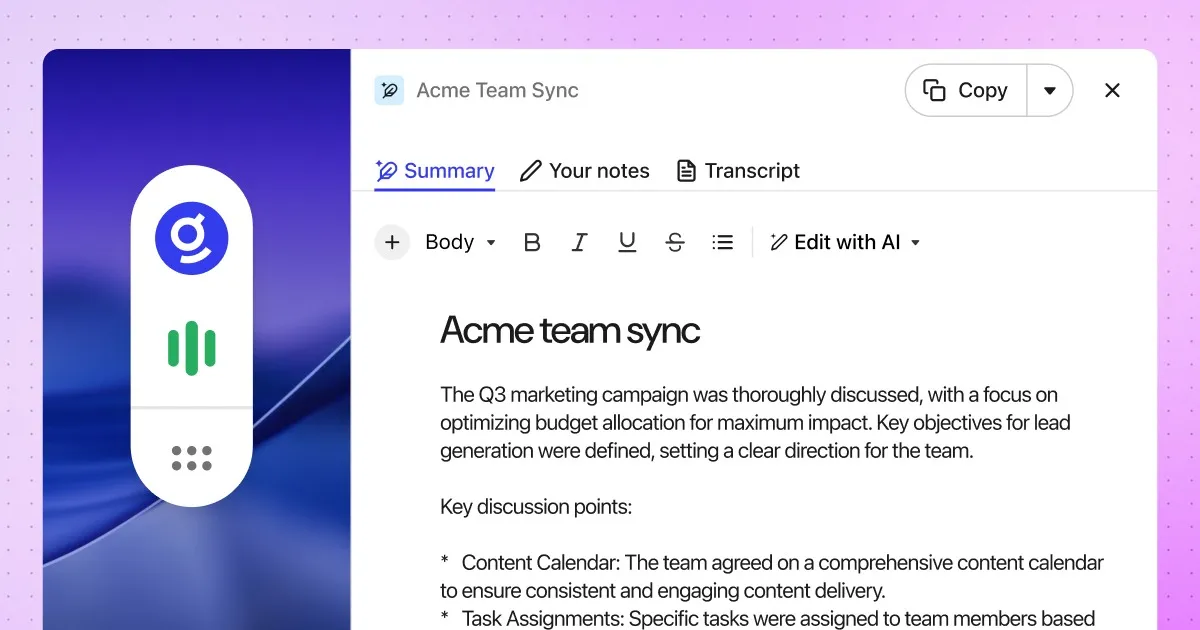
Once the meeting ends, Glean proactively generates a comprehensive summary highlighting key decisions and action items grounded in enterprise context from docs, tickets, design files, and messages, and available in Glean the moment the meeting ends. Users can view the full transcript to revisit specifics, and can manually edit or prompt Glean to rewrite the summary according to their preferences.
The meeting does not disappear into one person’s notes. It becomes a reusable artifact people can find quickly, reference, and build upon. Because meeting notes are first-class artifacts inside Glean, they are easy to find and share in chat history and library. This ensures that your meetings automatically become part of your enterprise context, making them easy to find and leverage when you need answers.
Built to maximize enterprise trust and control
We also built Glean meeting notes with trust and control in mind. Glean prompts you when a meeting is detected, but nothing is captured until you explicitly start it. Transcripts are private to the owner, so you can always go back to verify what was said. You may also share polished summaries with your teammates. Admins control access and retention, while users control notification preferences.
A few specifics for IT and security teams:
- Glean doesn't join your calls as a third-party bot. It works within the user's existing desktop workflow across Google Meet, Microsoft Teams, Zoom, and Slack huddles.
- Raw audio is never stored. Glean only stores transcribed text, summaries, and metadata, and it follows your organization's existing Glean data retention policy.
How to get started
Admins need to enable the feature via the Admin Console. Teams can enable the feature for all users, enable it for admins first, or disable it entirely.
Users need the desktop app with permissions for microphone, screen recording, and system audio capture. For scheduled meeting detection and notifications, users also need to connect their Google or Outlook calendar.
If you’d like to learn more about meeting notes, check out this article or sign up for a free Glean demo today!
Availability: Glean meetings notes is generally available for all macOS and Windows desktop users on Glean Key
Meeting notes is subject to usage-based pricing. All purchasing decisions should be made based on generally available functionality.
